







Question: Python using GUI Rectangle generator Create a GUI where the user will click on 3 points in the screen which will be used to generate
Python using GUI
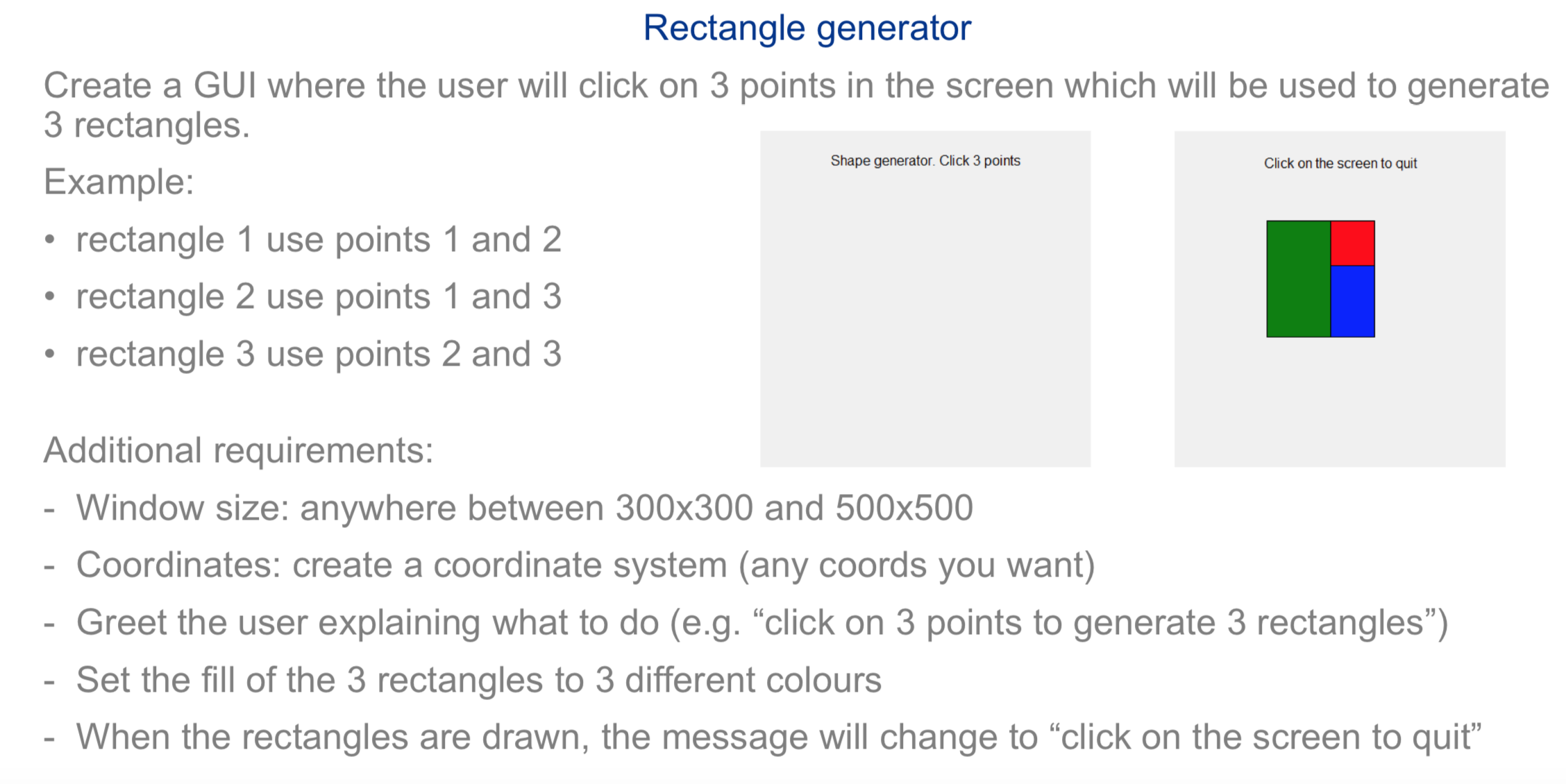
Rectangle generator Create a GUI where the user will click on 3 points in the screen which will be used to generate 3 rectangles. Shape generator. Cick 3 poms Click on the screen to quit Example: - rectangle 1 use points 1 and 2 - rectangle 2 use points 1 and 3 - rectangle 3 use points 2 and 3 Additional requirements: - Window size: anywhere between 300x300 and 500x500 - Coordinates: create a coordinate system (any coords you want) - Greet the user explaining what to do (e.g. \"click on 3 points to generate 3 rectangles") - Set the fill of the 3 rectangles to 3 different colours - When the rectangles are drawn, the message will change to \"click on the screen to quit\
Step by Step Solution
There are 3 Steps involved in it

Get step-by-step solutions from verified subject matter experts
 Study Help