







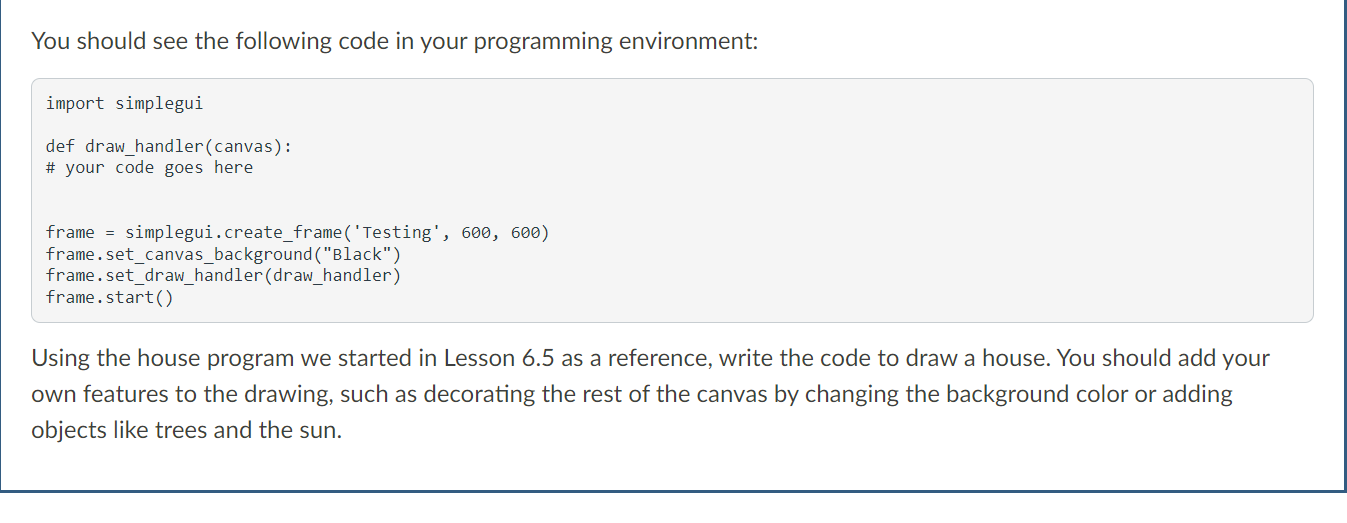
Question: python You should see the following code in your programming environment: import simplegui def draw_handler(canvas): # your code goes here frame = simplegui.create_frame('Testing', 600, 600)
 python
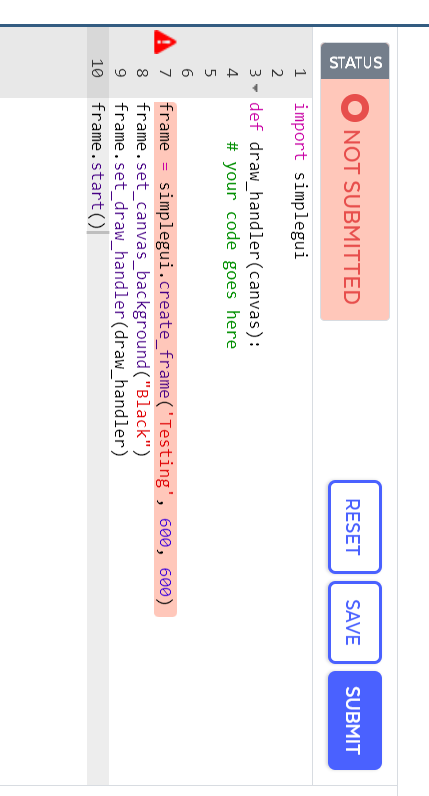
You should see the following code in your programming environment: import simplegui def draw_handler(canvas): \# your code goes here frame = simplegui.create_frame('Testing', 600, 600) frame.set_canvas_background("Black") frame.set_draw_handler(draw_handler) frame.start() Using the house program we started in Lesson 6.5 as a reference, write the code to draw a house. You should add your own features to the drawing, such as decorating the rest of the canvas by changing the background color or adding objects like trees and the sun. \( \begin{array}{rc}1 & \text { import simplegui } \\ 2 & \\ 3 & \text { def draw_handler(canvas): } \\ 4 & \text { \# your code goes here } \\ 5 & \\ 6 & \\ 7 & \text { frame = simplegui.create_frame('Testing', 600,600) } \\ 8 & \text { frame.set_canvas_background("Black") } \\ 9 & \text { frame.set_draw_handler(draw_handler) } \\ 10 & \text { frame.start() }\end{array} \)
Step by Step Solution
There are 3 Steps involved in it

Get step-by-step solutions from verified subject matter experts
 Study Help