







Question: python3 language. Lab 10: User Control This lab gives you a chance to practice drawing an object with a function, and allowing the user to
 python3 language.
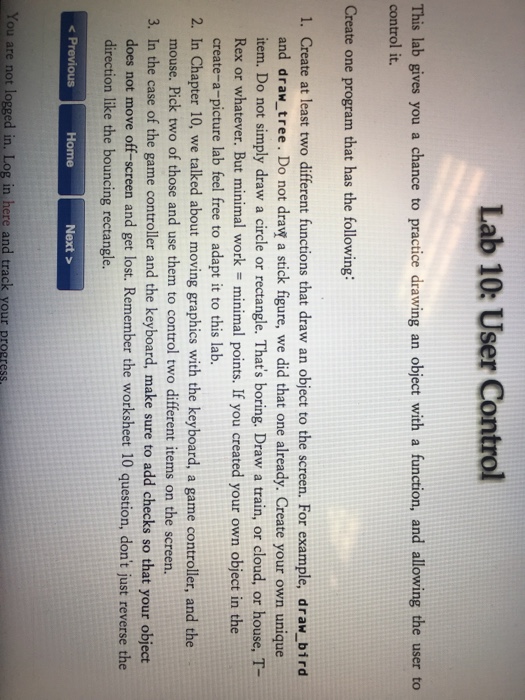
Lab 10: User Control This lab gives you a chance to practice drawing an object with a function, and allowing the user to control it. Create one program that has the following: 1. Create at least two different functions that draw an object to the screen. For example, draw bird and draw_tree. Do not dravw a stick figure, we did that one already. Create your own unique item. Do not simply draw a circle or rectangle. That's boring. Draw a train, or cloud, or house, T- create-a-picture lab feel free to adapt it to this lab. mouse. Pick two of those and use them to control two different items on the screen. does not move off-screen and get lost. Remember the worksheet 10 question, don't just reverse the 2. In Chapter 10, we talked about moving graphics with the keyboard, a game controller, and the 3. In the case of the game controller and the keyboard, make sure to add checks so that your object direction like the bouncing rectangle. Next > You are not logged in, Log in here and track your progress
Step by Step Solution
There are 3 Steps involved in it

Get step-by-step solutions from verified subject matter experts
 Study Help