







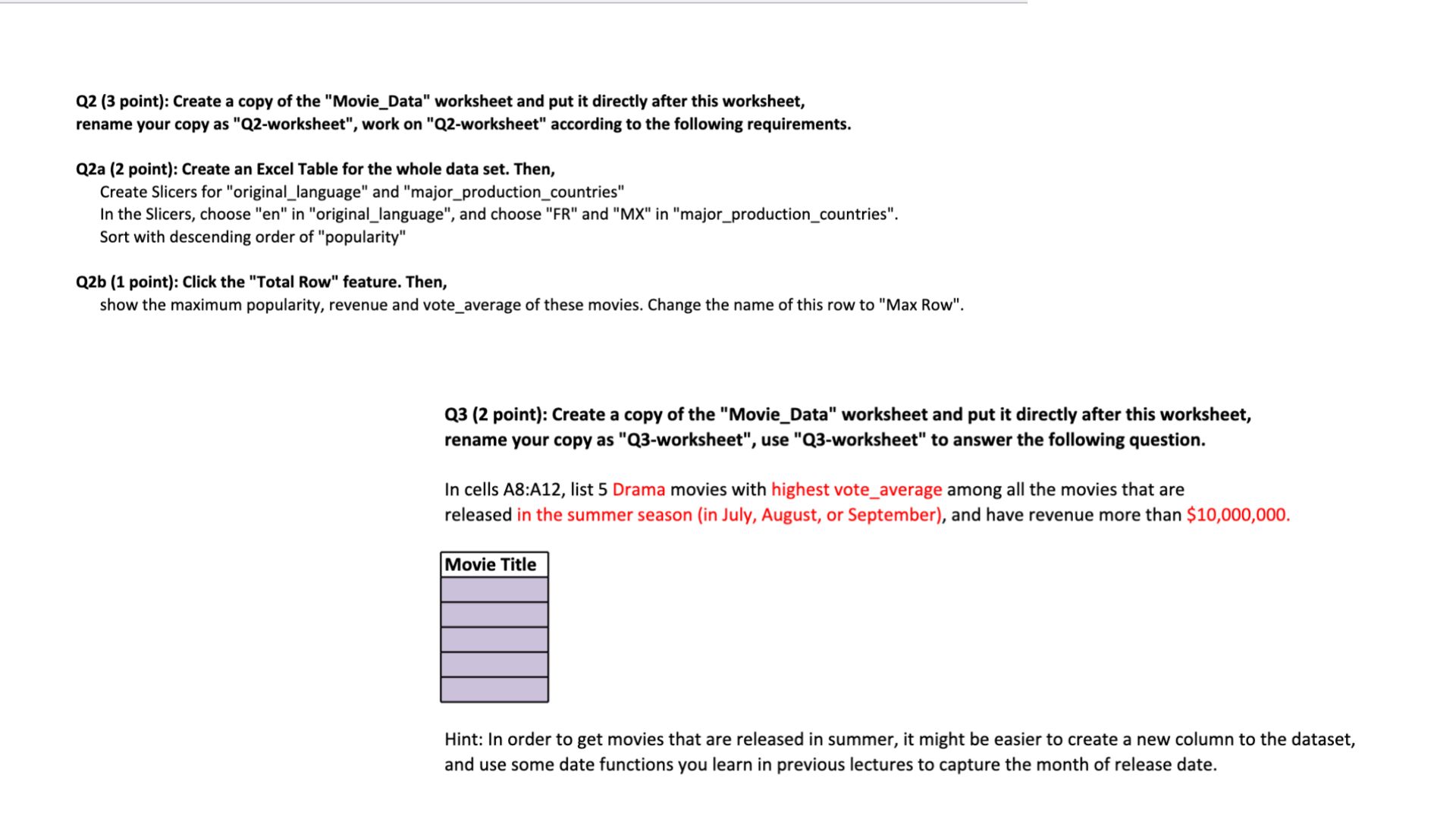
Question: Q 2 ( 3 point ) : Create a copy of the Movie _ Data worksheet and put it directly after this worksheet, rename your
Q point: Create a copy of the "MovieData" worksheet and put it directly after this worksheet,
rename your copy as Qworksheet", work on Qworksheet" according to the following requirements.
Qa point: Create an Excel Table for the whole data set. Then,
Create Slicers for "originallanguage" and "majorproductioncountries"
In the Slicers, choose en in "originallanguage", and choose FR and MX in "majorproductioncountries".
Sort with descending order of "popularity"
Qb point: Click the "Total Row" feature. Then,
show the maximum popularity, revenue and voteaverage of these movies. Change the name of this row to "Max Row".
Q point: Create a copy of the "MovieData" worksheet and put it directly after this worksheet,
rename your copy as Qworksheet", use Qworksheet" to answer the following question.
In cells A:A list Drama movies with highest voteaverage among all the movies that are
released in the summer season in July, August, or September and have revenue more than $
Hint: In order to get movies that are released in summer, it might be easier to create a new column to the dataset,
and use some date functions you learn in previous lectures to capture the month of release date.
Step by Step Solution
There are 3 Steps involved in it
1 Expert Approved Answer
Step: 1 Unlock

Question Has Been Solved by an Expert!
Get step-by-step solutions from verified subject matter experts
Step: 2 Unlock
Step: 3 Unlock
 Study Help