



Question: Q10. Where can you find Hyper-V in Windows 10 Pro to Activate It? Control Panel Hyper-V is turned on by default .in Programs and Settings
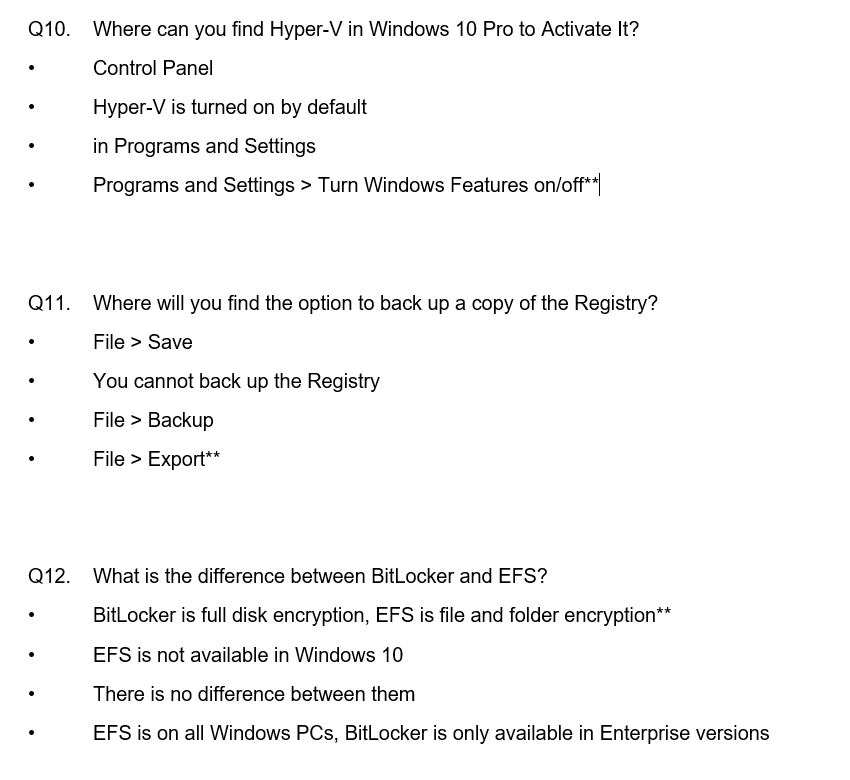
Q10. Where can you find Hyper-V in Windows 10 Pro to Activate It? Control Panel Hyper-V is turned on by default .in Programs and Settings Programs and Settings> Turn Windows Features on/off Q11. Where will you find the option to back up a copy of the Registry? File > Save .You cannot back up the Registry File > Backup File > Export" .File>Export Q12. What is the difference between BitLocker and EFS? BitLocker is full disk encryption, EFS is file and folder encryption EFS is not available in Windows 10 There is no difference between them EFS is on all Windows PCs, BitLocker is only available in Enterprise versions
Step by Step Solution
There are 3 Steps involved in it
1 Expert Approved Answer
Step: 1 Unlock

Question Has Been Solved by an Expert!
Get step-by-step solutions from verified subject matter experts
Step: 2 Unlock
Step: 3 Unlock