







Question: Q3: State variables, conditional statements and random numbers: Random button generator with counter. Create a Processing program that creates a random button of a
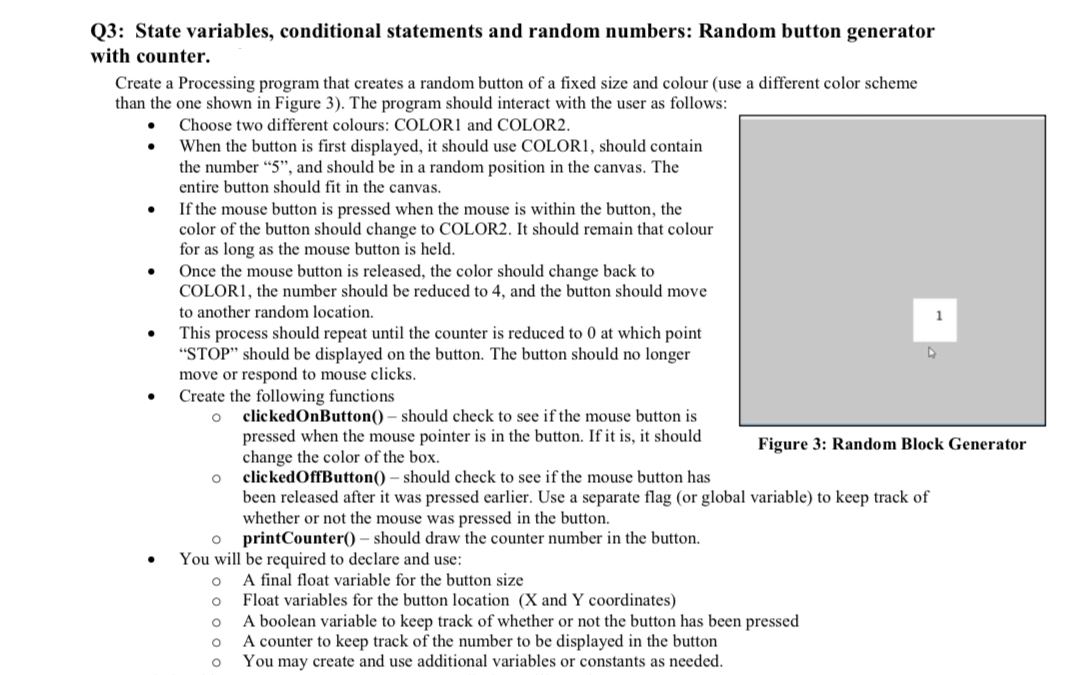
Q3: State variables, conditional statements and random numbers: Random button generator with counter. Create a Processing program that creates a random button of a fixed size and colour (use a different color scheme than the one shown in Figure 3). The program should interact with the user as follows: . Choose two different colours: COLOR1 and COLOR2. When the button is first displayed, it should use COLOR1, should contain the number "5", and should be in a random position in the canvas. The entire button should fit in the canvas. If the mouse button is pressed when the mouse is within the button, the color of the button should change to COLOR2. It should remain that colour for as long as the mouse button is held. Once the mouse button is released, the color should change back to COLORI, the number should be reduced to 4, and the button should move to another random location. This process should repeat until the counter is reduced to 0 at which point "STOP" should be displayed on the button. The button should no longer move or respond to mouse clicks. Create the following functions clickedOnButton() should check to see if the mouse button is pressed when the mouse pointer is in the button. If it is, it should change the color of the box. clicked OffButton() - should check to see if the mouse button has 1 4 Figure 3: Random Block Generator been released after it was pressed earlier. Use a separate flag (or global variable) to keep track of whether or not the mouse was pressed in the button. printCounter() should draw the counter number in the button. You will be required to declare and use: A final float variable for the button size o Float variables for the button location (X and Y coordinates) o A boolean variable to keep track of whether or not the button has been pressed A counter to keep track of the number to be displayed in the button You may create and use additional variables or constants as needed.
Step by Step Solution
There are 3 Steps involved in it

Get step-by-step solutions from verified subject matter experts
 Study Help