







Question: Type lusrmgr.msc in the run command on a Windows 10 computer and observe the output. Explain the Local Users and Groups accounts. Provide two
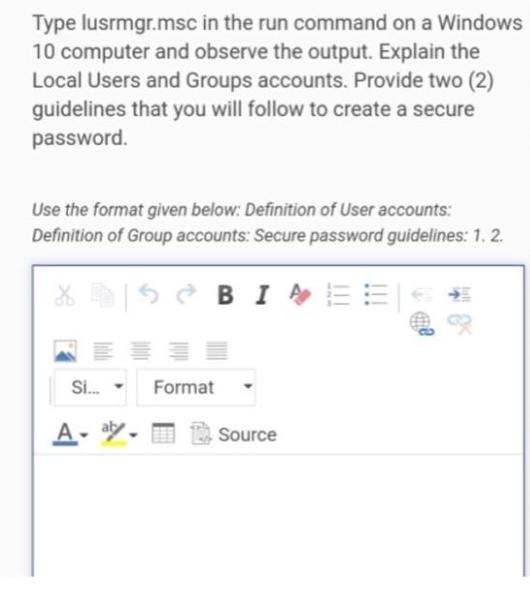
Type lusrmgr.msc in the run command on a Windows 10 computer and observe the output. Explain the Local Users and Groups accounts. Provide two (2) guidelines that you will follow to create a secure password. Use the format given below: Definition of User accounts: Definition of Group accounts: Secure password guidelines: 1. 2. XSBIE Si... A- at Format Source
Step by Step Solution
★★★★★
3.40 Rating (159 Votes )
There are 3 Steps involved in it
1 Expert Approved Answer
Step: 1 Unlock

When the command lusrmgrmsc is executed on a Windows 10 computer it opens the Local Users and Groups ... View full answer
Question Has Been Solved by an Expert!
Get step-by-step solutions from verified subject matter experts
Step: 2 Unlock
Step: 3 Unlock
 Study Help