







Question: Question 0 7 2 0 To perform a Controlled / Cold Start in HandlingPRO: On the Teach Pendant, press and hold the PREV and NEXT
Question
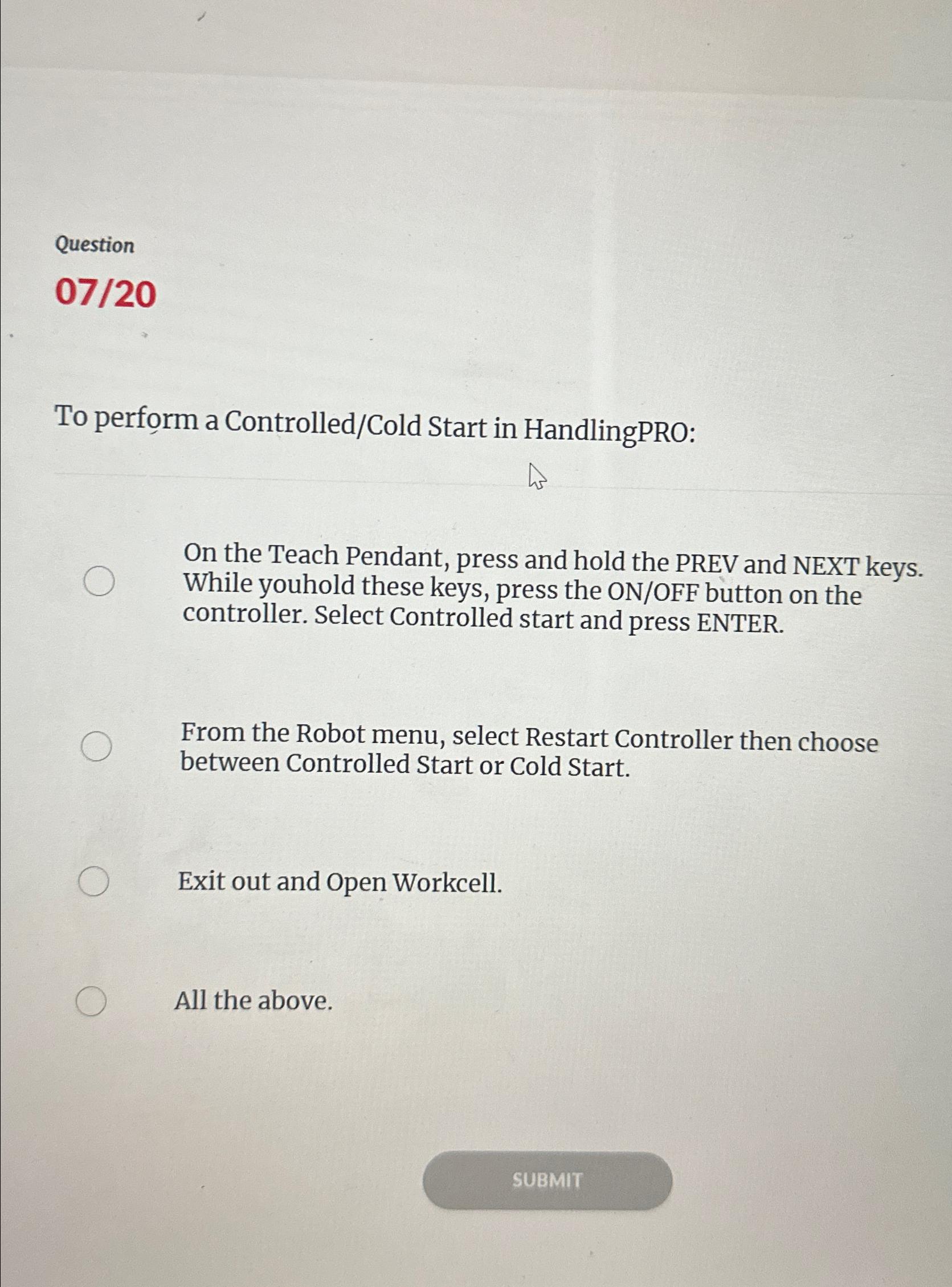
To perform a ControlledCold Start in HandlingPRO:
On the Teach Pendant, press and hold the PREV and NEXT keys. While youhold these keys, press the ONOFF button on the controller. Select Controlled start and press ENTER.
From the Robot menu, select Restart Controller then choose between Controlled Start or Cold Start.
Exit out and Open Workcell.
All the above.
Step by Step Solution
There are 3 Steps involved in it
1 Expert Approved Answer
Step: 1 Unlock

Question Has Been Solved by an Expert!
Get step-by-step solutions from verified subject matter experts
Step: 2 Unlock
Step: 3 Unlock
 Study Help