







Question: Question 1 ( 4 points ) : Reflex Agent Improve the ReflexAgent in multiAgents.py to play respectably. The provided reflex agent code provides some helpful
Question points: Reflex Agent
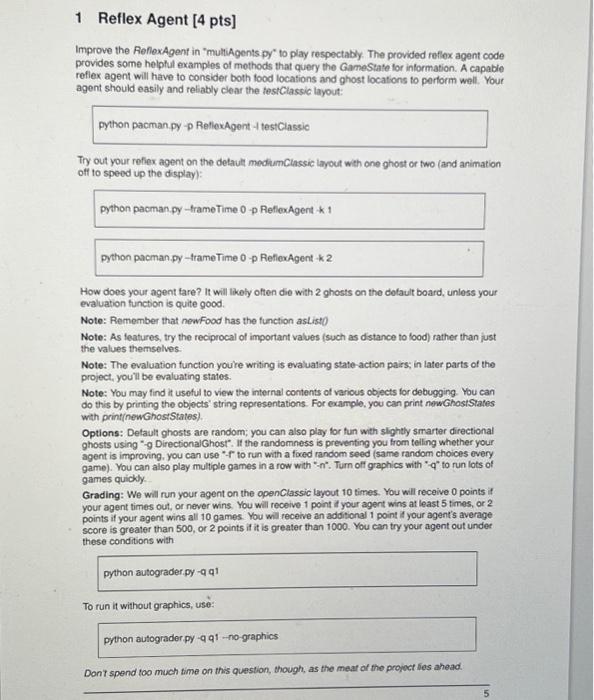
Improve the ReflexAgent in multiAgents.py to play respectably. The provided reflex agent code provides some helpful examples of methods that query the GameState for information. A capable reflex agent will have to consider both food locations and ghost locations to perform well. Your agent should easily and reliably clear the testClassic layout:
python pacman.py p ReflexAgent l testClassic
Try out your reflex agent on the default mediumClassic layout with one ghost or two and animation off to speed up the display:
python pacman.py frameTime p ReflexAgent k
python pacman.py frameTime p ReflexAgent k
How does your agent fare? It will likely often die with ghosts on the default board, unless your evaluation function is quite good.
Note: As features, try the reciprocal of important values such as distance to food rather than just the values themselves.
Note: The evaluation function you're writing is evaluating stateaction pairs; in later parts of the project, you'll be evaluating states.
Options: Default ghosts are random; you can also play for fun with slightly smarter directional ghosts using g DirectionalGhost. If the randomness is preventing you from telling whether your agent is improving, you can use f to run with a fixed random seed same random choices every game You can also play multiple games in a row with n Turn off graphics with q to run lots of games quickly.
Grading: we will run your agent on the openClassic layout times. You will receive points if your agent times out, or never wins. You will receive point if your agent wins at least times, or points if your agent wins all games. You will receive an addition point if your agent's average score is greater than or points if it is greater than You can try your agent out under these conditions with
python autograder.py q q
To run it without graphics, use:
python autograder.py q qnographics
Don't spend too much time on this question, though, as the meat of the project lies ahead.
Step by Step Solution
There are 3 Steps involved in it
1 Expert Approved Answer
Step: 1 Unlock

Question Has Been Solved by an Expert!
Get step-by-step solutions from verified subject matter experts
Step: 2 Unlock
Step: 3 Unlock
 Study Help