







Question: Question 1 6 How do you launch the Auto Packet Analyzer feature to troubleshoot client onboarding issues? Open Intelligent Capture on Client 3 6 0
Question
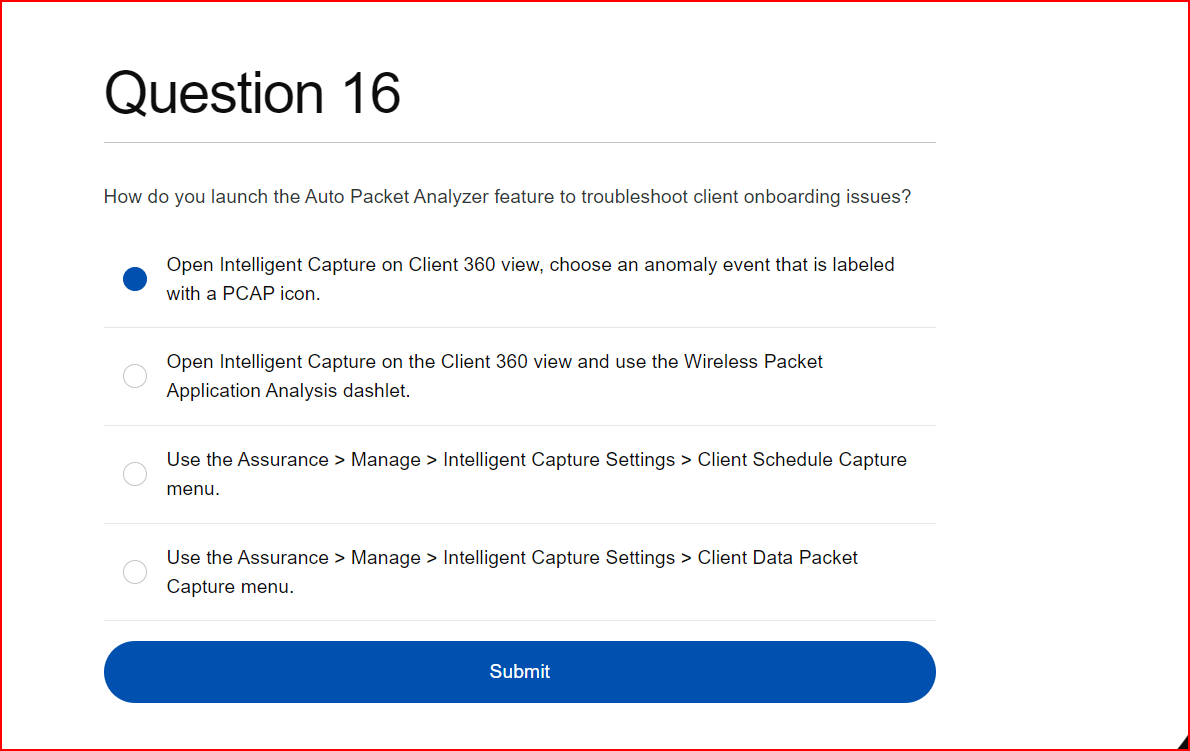
How do you launch the Auto Packet Analyzer feature to troubleshoot client onboarding issues?
Open Intelligent Capture on Client view, choose an anomaly event that is labeled
with a PCAP icon.
Open Intelligent Capture on the Client view and use the Wireless Packet
Application Analysis dashlet.
Use the Assurance Manage Intelligent Capture Settings Client Schedule Capture
menu.
Use the Assurance Manage Intelligent Capture Settings Client Data Packet
Capture menu.
Step by Step Solution
There are 3 Steps involved in it
1 Expert Approved Answer
Step: 1 Unlock

Question Has Been Solved by an Expert!
Get step-by-step solutions from verified subject matter experts
Step: 2 Unlock
Step: 3 Unlock
 Study Help