







Question: Question 1 A client has two checking accounts (Bank A and Bank B, but both called Checking) connected to their Banking center in QuickBooks Online.
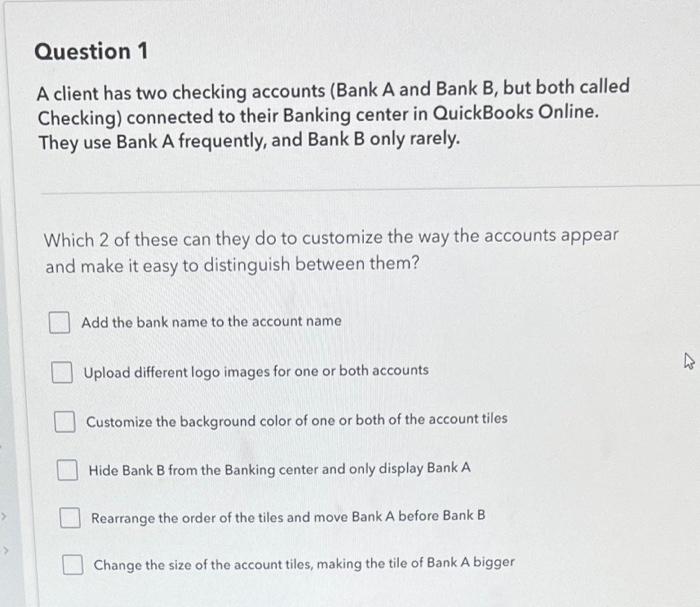
Question 1 A client has two checking accounts (Bank A and Bank B, but both called Checking) connected to their Banking center in QuickBooks Online. They use Bank A frequently, and Bank B only rarely. Which 2 of these can they do to customize the way the accounts appear and make it easy to distinguish between them? Add the bank name to the account name Upload different logo images for one or both accounts Customize the background color of one or both of the account tiles Hide Bank B from the Banking center and only display Bank A Rearrange the order of the tiles and move Bank A before Bank B Change the size of the account tiles, making the tile of Bank A bigger
Step by Step Solution
There are 3 Steps involved in it

Get step-by-step solutions from verified subject matter experts
 Study Help