



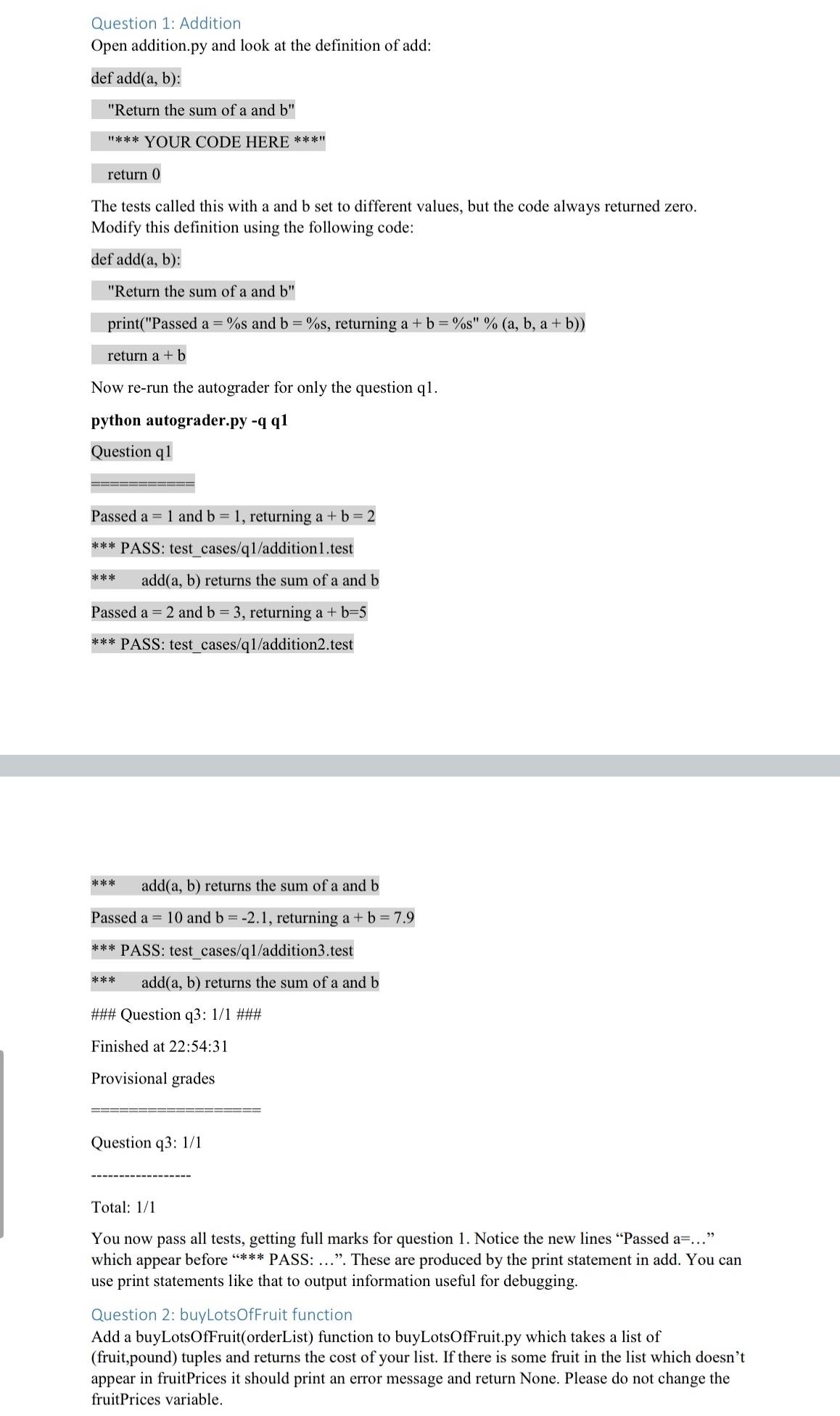
Question: Question 1 : Addition Open addition.py and look at the definition of add: def add ( a , b ) : Return the sum of
Question : Addition
Open
addition.py and look at the definition of add:
def add :
"Return the sum of a and
YOUR CODE HERE
return
The tests called this with a and set to different values, but the code always returned zero. Modify this definition using the following code:
def add :
"Return the sum of a and
printPassed and returning
return
Now rerun the autograder for only the question q
python
autograder.py
Question q
Passed and returning
PASS: testcasesqadditiontest
add returns the sum of a and
Passed and returning
PASS: testcasesqadditiontest
add returns the sum of a and
Passed and returning
PASS: testcasesqadditiontest
add returns the sum of a and
### Question q: ###
Finished at ::
Provisional grades
Question q:
Total:
You now pass all tests, getting full marks for question Notice the new lines "Passed a which appear before PASS: These are produced by the print statement in add. You can use print statements like that to output information useful for debugging.
Question : buyLotsOfFruit function
Add a buyLotsOfFruitorderList function to
buyLotsOfFruit.py which takes a list of fruitpound tuples and returns the cost of your list. If there is some fruit in the list which doesn't appear in fruitPrices it should print an error message and return None. Please do not change the fruitPrices variable.
Step by Step Solution
There are 3 Steps involved in it
1 Expert Approved Answer
Step: 1 Unlock

Question Has Been Solved by an Expert!
Get step-by-step solutions from verified subject matter experts
Step: 2 Unlock
Step: 3 Unlock