







Question: Question 1 and 6 254 Chapter 5 Digital Security, Ethics, m The Problem Solving exercises extend your knowledge of chapter con The How To: when
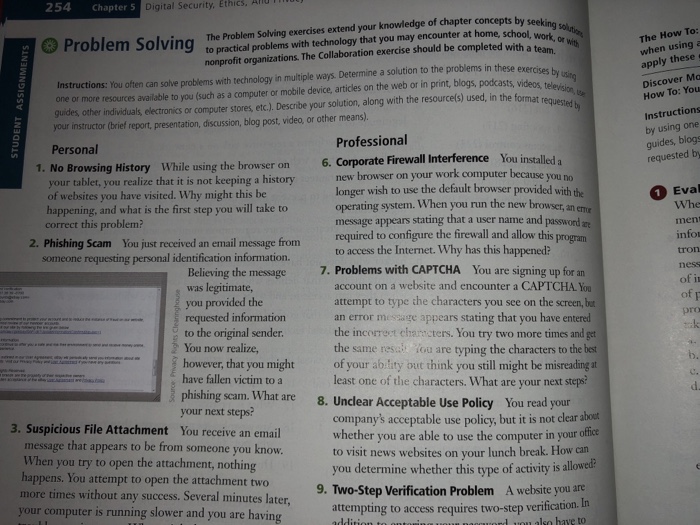
254 Chapter 5 Digital Security, Ethics, m The Problem Solving exercises extend your knowledge of chapter con The How To: when using a apply theses Discover Ma How To: You Instructions by using one guides, blogs requested by Problem Solving or with to practical problems with technology that you may encounter at home, school, work nonprofit organizations. The Collaboration exercise should be completed with a t Instructions: You often can solve problems with technology in multiple ways. Determine a solution to the problems in these exercises b one or more resources available to you (such as a computer or mobile device, articles on the web or in print, blogs, podcasts, videos other individuals, electronics or computer stores, etc.). Describe your solution, along with the resource(s) used, in the format your instructor (brief report, presentation, discussion, blog post, video, or other means). Personal Professional 1. No Browsing History While using the browser on 6. Corporate Firewall Interference You ur tablet, you realize that it is not keeping a history new browser on your work computer because you no longer wish to use the default browser provided with the of websites you have visited. Why might this be happening, and what is the first step you will take to Eva Whe men info tron operating system. When you run the new browser, an em message appears stating that a user name and correct this problem? 2. Phishing Scam You just received an email message from required to configure the firewall and allow this meone requesting personal identification information. to access the Internet. Why has this happened? Believing the message was legitimate, you provided the requested information to the original sender You now realize, 7. Problems with CAPTCHA You are signing up for an account on a website and encounter a CAPTCHA You attempt to type the characters you see on the screen, b an error message appears stating that you have entered the incorreet characters. You try two more times and get the same res. ou are typing the characters to the best of however, that you might of your ab:lity out think you still might be misreading at b. have fallen victim to a phishing scam. What are your next steps? least one of the characters. What are your next steps d. 8. Unclear Acceptable Use Policy You read your company's acceptable use policy, but it is not clear about whether you are able to use the computer in your o to visit news websites on your lunch break. How can you determine whether this type of activity is allowed 3. Suspicious File Attachment You receive an email message that appears to be from someone you know When you try to open the attachment, nothing happens. You attempt to open the attachment two more times without any success. Several minutes later your computer is running slower and you are having 9. Two-Step Verification Problem A website you are attempting to access requires two-step verification
Step by Step Solution
There are 3 Steps involved in it

Get step-by-step solutions from verified subject matter experts
 Study Help