







Question: Question 1. By using the My1sim85 Simulator, Write a program and connect all the component to the board according to the information given below :-
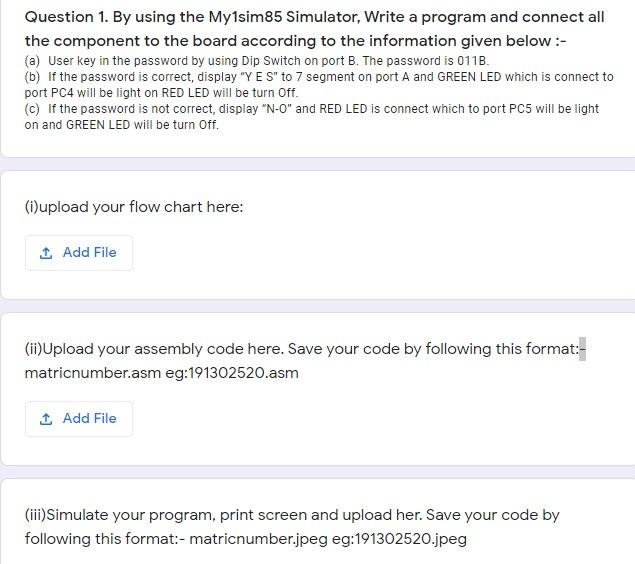
Question 1. By using the My1sim85 Simulator, Write a program and connect all the component to the board according to the information given below :- (a) User key in the password by using Dip Switch on port B. The password is 011B. (b) If the password is correct, display Y E S to 7 segment on port A and GREEN LED which is connect to port PC4 will be light on RED LED will be turn Off. (c) If the password is not correct, display N-O and RED LED is connect which to port PC5 will be light on and GREEN LED will be turn Off.
Question 1. By using the My1sim85 Simulator, Write a program and connect all the component to the board according to the information given below:- (a) User key in the password by using Dip Switch on port B. The password is 011B. (b) If the password is correct, display "YES" to 7 segment on port A and GREEN LED which is connect to port PC4 will be light on RED LED will be turn Off. (C) If the password is not correct, display "N-O" and RED LED is connect which to port PC5 will be light on and GREEN LED will be turn Off. (i)upload your flow chart here: 1 Add File (ii)Upload your assembly code here. Save your code by following this format:- matricnumber.asm eg:191302520.asm 1 Add File (iii)Simulate your program, print screen and upload her. Save your code by following this format:- matricnumber.jpeg eg:191302520.jpeg Question 1. By using the My1sim85 Simulator, Write a program and connect all the component to the board according to the information given below:- (a) User key in the password by using Dip Switch on port B. The password is 011B. (b) If the password is correct, display "YES" to 7 segment on port A and GREEN LED which is connect to port PC4 will be light on RED LED will be turn Off. (C) If the password is not correct, display "N-O" and RED LED is connect which to port PC5 will be light on and GREEN LED will be turn Off. (i)upload your flow chart here: 1 Add File (ii)Upload your assembly code here. Save your code by following this format:- matricnumber.asm eg:191302520.asm 1 Add File (iii)Simulate your program, print screen and upload her. Save your code by following this format:- matricnumber.jpeg eg:191302520.jpeg
Step by Step Solution
There are 3 Steps involved in it

Get step-by-step solutions from verified subject matter experts
 Study Help