







Question: Question 1 Excel users can record macros, consisting of user commands / keystrokes / clicks , and play them back at lightning speed to accomplish
Question
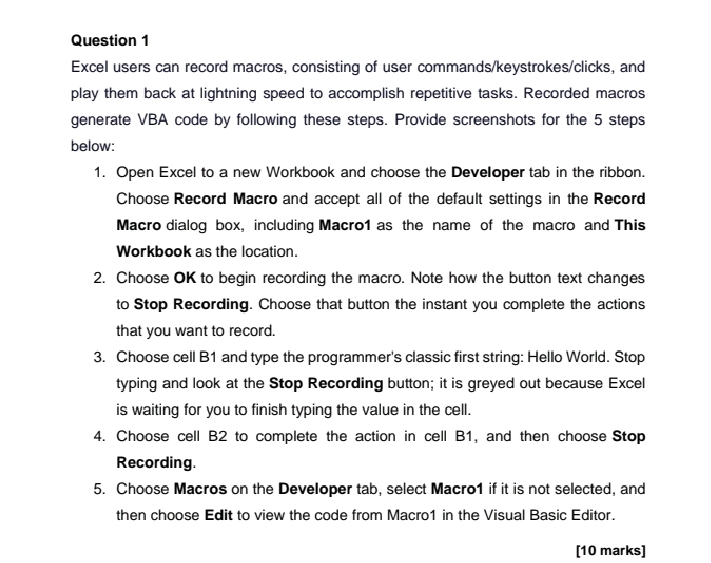
Excel users can record macros, consisting of user commandskeystrokesclicks and play them back at lightning speed to accomplish repetitive tasks. Recorded macros generate VBA code by following these steps. Pravide screenshots for the steps below:
Open Excel to a new Workbook and choose the Developer tab in the ribbon. Choose Record Macro and accept all of the default settings in the Record Macro dialog box, including Macro as the name of the macro and This Workbook as the location.
Choose to begin recording the macro. Note how the button text changes to Stop Recording. Choose that button the instant you complete the actions that you want to record.
Choose cell B and type the programmer's classic first string: Hello World. Stop typing and look at the Stop Recording button; it is greyed out because Excel is waiting for you to finish typing the value in the cell.
Choose cell B to complete the action in cell B and then choose Stop Recording.
Choose Macros on the Developer tab, select Macro if it is not selected, and then choose Edit to view the code from Macro in the Visual Basic Editor.
marks
Step by Step Solution
There are 3 Steps involved in it
1 Expert Approved Answer
Step: 1 Unlock

Question Has Been Solved by an Expert!
Get step-by-step solutions from verified subject matter experts
Step: 2 Unlock
Step: 3 Unlock
 Study Help