







Question: Question 1 In this question we will revisit the character counting example shown in class. In this example we read through a text file, counting
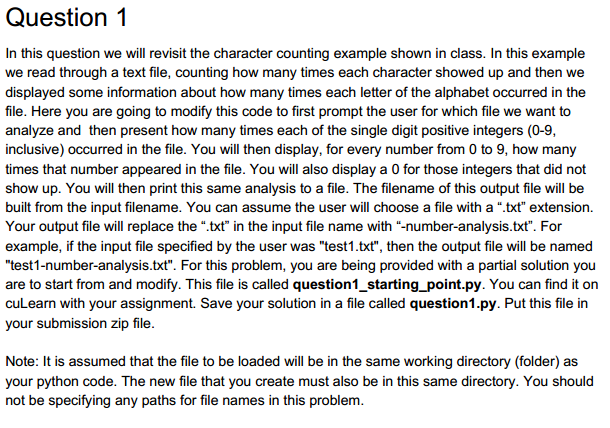
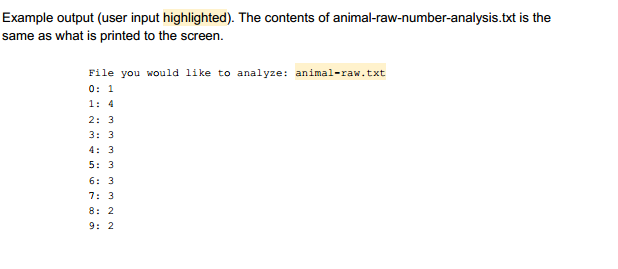
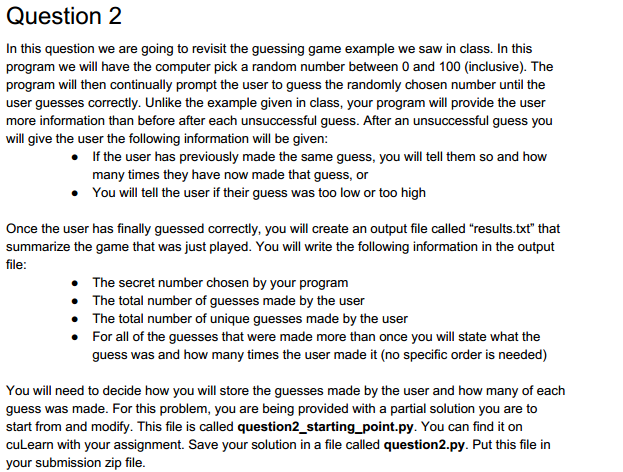
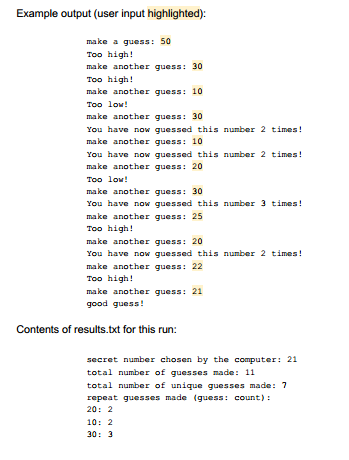
Question 1 In this question we will revisit the character counting example shown in class. In this example we read through a text file, counting how many times each character showed up and then we displayed some information about how many times each letter of the alphabet occurred in the file. Here you are going to modify this code to first prompt the user for which file we want to analyze and then present how many times each of the single digit positive integers (0-9, inclusive) occurred in the file. You will then display, for every number from 0 to 9, how many times that number appeared in the file. You will also display a 0 for those integers that did not show up. You will then print this same analysis to a file. The filename of this output file will be built from the input filename. You can assume the user will choose a file with a ".txt extension. Your output file will replace the ".txt in the input file name with "-number-analysis.txt". For example, if the input file specified by the user was "test1.txt", then the output file will be named "test1-number-analysis.txt". For this problem, you are being provided with a partial solution you are to start from and modify. This file is called question1_starting_point.py. You can find it on cuLearn with your assignment. Save your solution in a file called question1.py. Put this file in your submission zip file Note: It is assumed that the file to be loaded will be in the same working directory (folder) as your python code. The new file that you create must also be in this same directory. You should not be specifying any paths for file names in this
Step by Step Solution
There are 3 Steps involved in it

Get step-by-step solutions from verified subject matter experts
 Study Help