



Question: Question 11 After finishing a project, how do you change the status of that project in QuickBooks Online Accountant? O Project > Status > Done
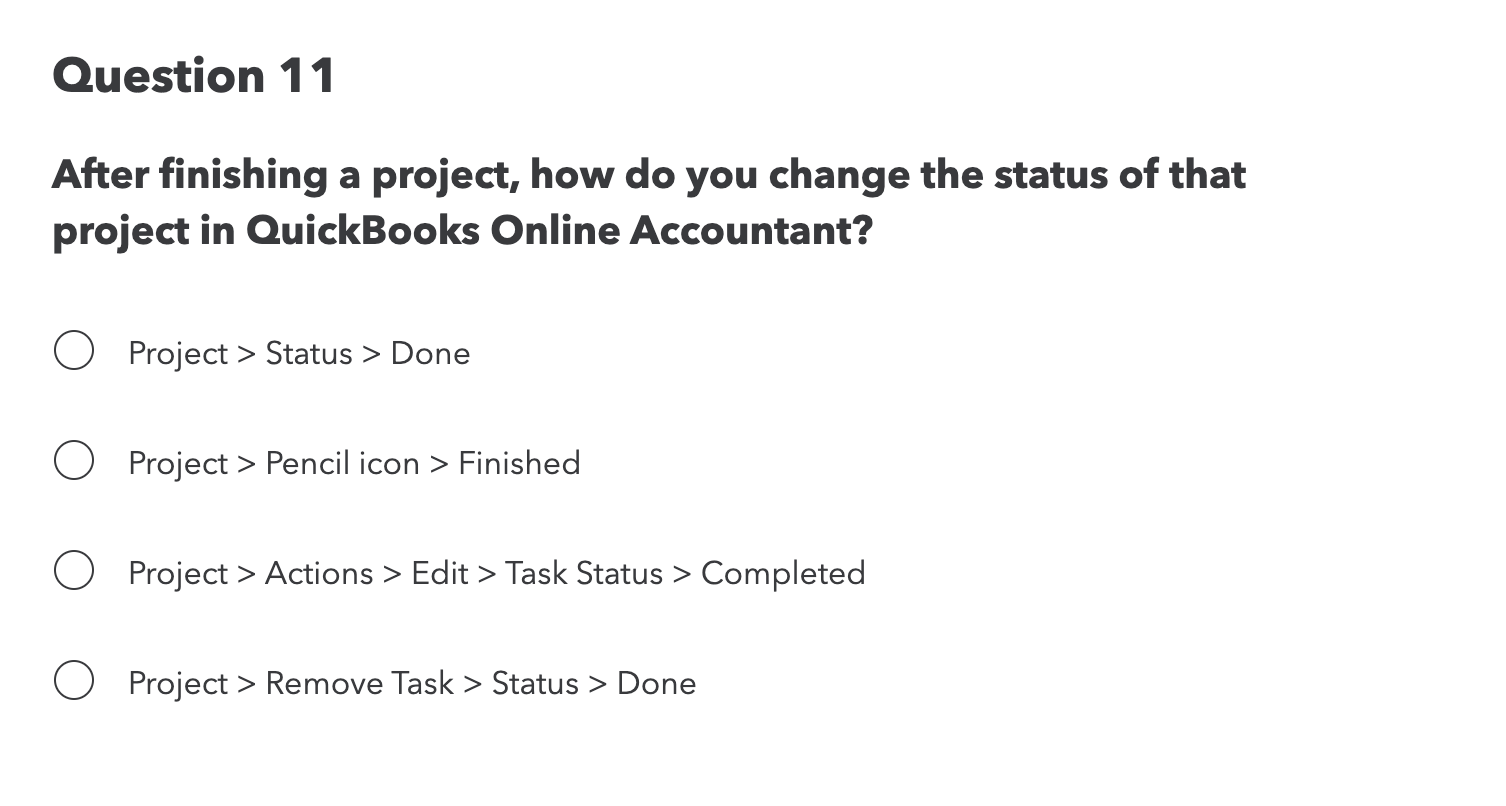
Question 11 After finishing a project, how do you change the status of that project in QuickBooks Online Accountant? O Project > Status > Done O Project > Pencil icon > Finished O Project > Actions > Edit > Task Status > Completed O Project > Remove Task > Status > Done
Step by Step Solution
There are 3 Steps involved in it
1 Expert Approved Answer
Step: 1 Unlock

Question Has Been Solved by an Expert!
Get step-by-step solutions from verified subject matter experts
Step: 2 Unlock
Step: 3 Unlock