



Question: Question 2 1 pts You have a large image that needs to fit into a 400 x 200 pixel area. What should you resize the
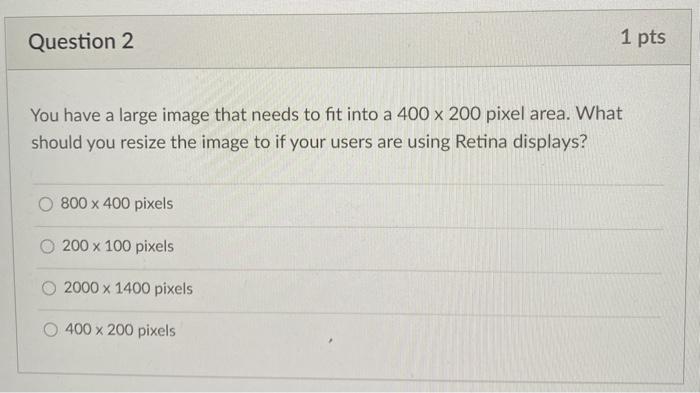
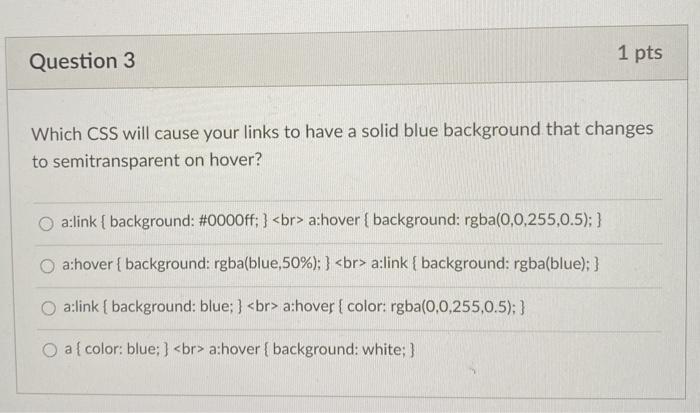
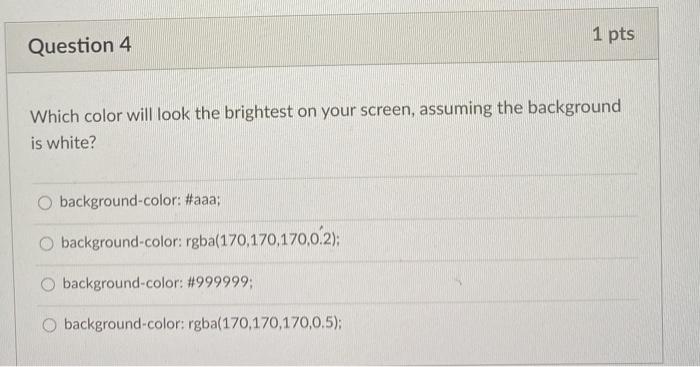
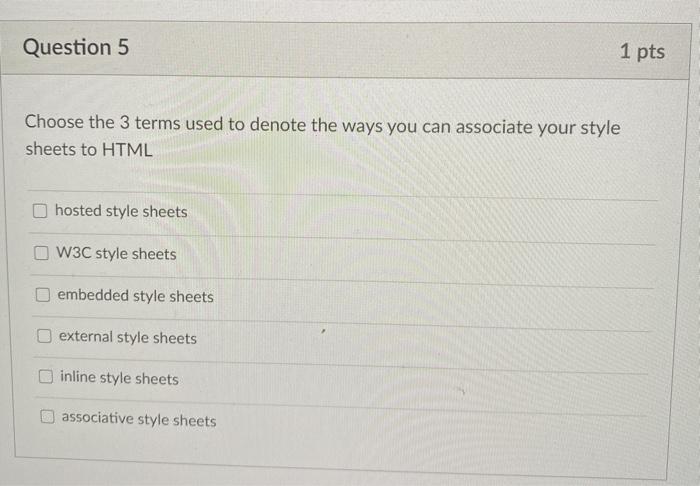
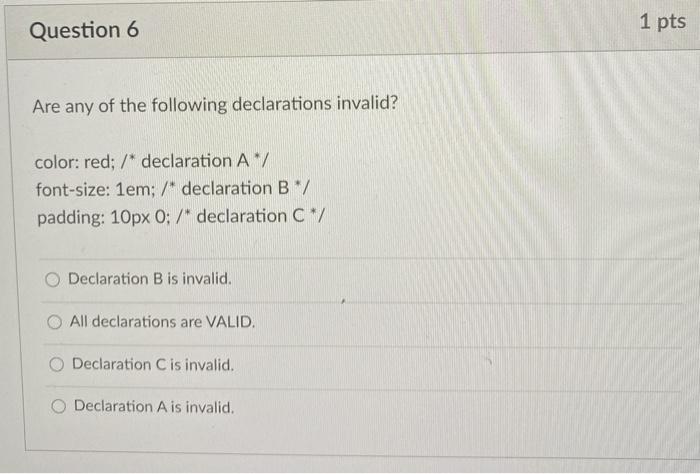
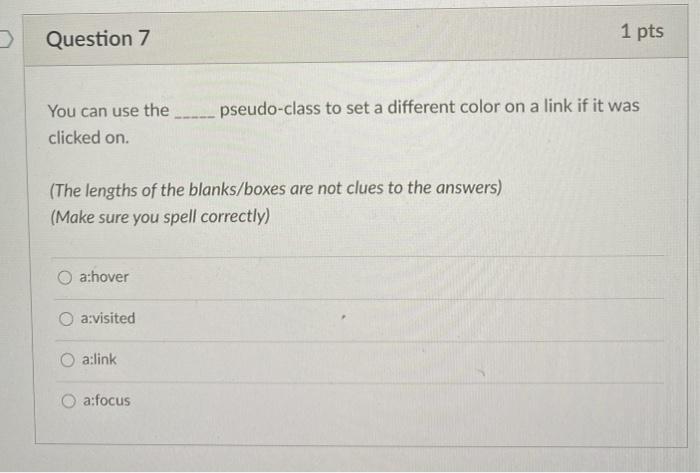
Question 2 1 pts You have a large image that needs to fit into a 400 x 200 pixel area. What should you resize the image to if your users are using Retina displays? 800 x 400 pixels O 200 x 100 pixels 2000 x 1400 pixels 400 x 200 pixels Question 3 1 pts Which CSS will cause your links to have a solid blue background that changes to semitransparent on hover? a:link { background: #0000ff; } a:hover { background: rgba(0,0,255,0.5); } a:hover { background: rgba(blue, 50%); } a:link { background: rgba(blue); } a:link { background: blue; } a:hover { color: rgba(0,0,255,0.5); } O a{color: blue; } a:hover { background: white; } 1 pts Question 4 Which color will look the brightest on your screen, assuming the background is white? background-color: #aaa; background-color: rgba(170,170,170,0.2); O background-color: #999999; background-color: rgba(170,170,170,0.5); Question 5 1 pts Choose the 3 terms used to denote the ways you can associate your style sheets to HTML hosted style sheets W3C style sheets embedded style sheets external style sheets inline style sheets associative style sheets Question 6 1 pts Are any of the following declarations invalid? color: red; /* declaration A/ font-size: 1em; /* declaration B*/ padding: 10px 0; /* declaration c*/ Declaration B is invalid. All declarations are VALID. Declaration C is invalid. Declaration A is invalid. Question 7 1 pts pseudo-class to set a different color on a link if it was You can use the clicked on. (The lengths of the blanks/boxes are not clues to the answers) (Make sure you spell correctly) a:hover a:visited a:link a:focus
Step by Step Solution
There are 3 Steps involved in it

Get step-by-step solutions from verified subject matter experts