







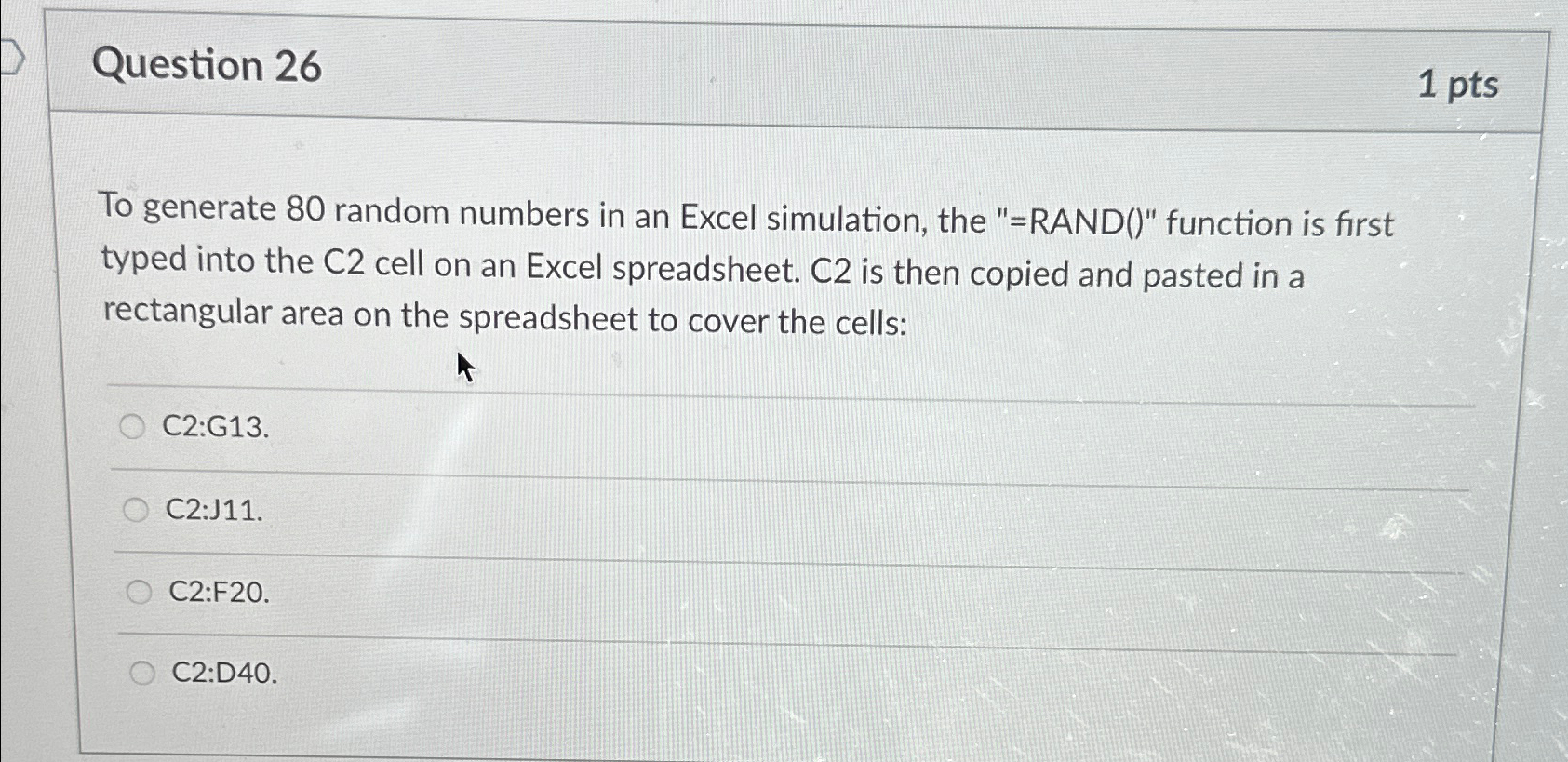
Question: Question 2 6 1 pts To generate 8 0 random numbers in an Excel simulation, the = RAND ( ) function is first
Question
pts
To generate random numbers in an Excel simulation, the RAND function is first typed into the cell on an Excel spreadsheet. C is then copied and pasted in a rectangular area on the spreadsheet to cover the cells:
C:G
C:J
C:FO
C:D
Step by Step Solution
There are 3 Steps involved in it
1 Expert Approved Answer
Step: 1 Unlock

Question Has Been Solved by an Expert!
Get step-by-step solutions from verified subject matter experts
Step: 2 Unlock
Step: 3 Unlock
 Study Help