







Question: Question 2 Auto Payroll supports both a one-time change and recurring changes. How do you make a recurring change? Gear icon > Payroll Settings >
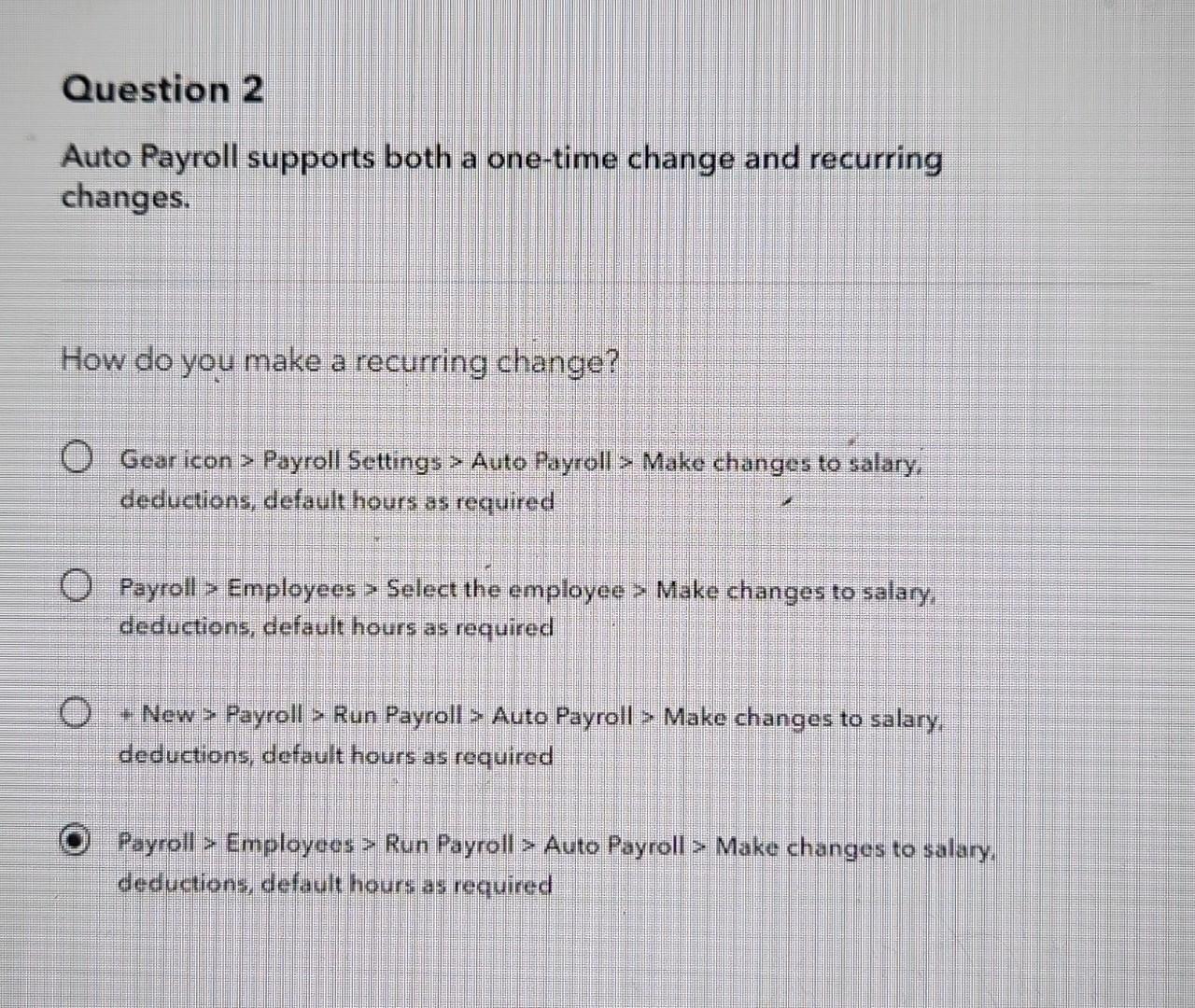
Question 2 Auto Payroll supports both a one-time change and recurring changes. How do you make a recurring change? Gear icon > Payroll Settings > Auto Payroll > Make changes to salary, deductions, default hours as required Payroll > Employees > Select the employee > Make changes to salary, deductions, default hours as required + New > Payroll > Run Payroll > Auto Payroll > Make changes to salary, deductions, default hours as required Payroll > Employees > Run Payroll > Auto Payroll > Make changes to salary, deductions, default hours as required
Step by Step Solution
There are 3 Steps involved in it
1 Expert Approved Answer
Step: 1 Unlock

Question Has Been Solved by an Expert!
Get step-by-step solutions from verified subject matter experts
Step: 2 Unlock
Step: 3 Unlock
 Study Help