







Question: QUESTION 2 John, a computer technician, is assisting Sarah, a customer with a desktop computer, who is experiencing frequent crashes, unexpected shutdowns, and strange noises.
QUESTION
John, a computer technician, is assisting Sarah, a customer with a desktop computer, who is experiencing frequent crashes, unexpected shutdowns, and strange noises. Suspecting issues with the motherboard or power supply, John explains the need for further diagnostics to pinpoint the exact problem. He assures Sarah of his commitment to resolving the issue promptly.
Describe the role of a motherboard in a computer system and how it interacts with other components.
marks
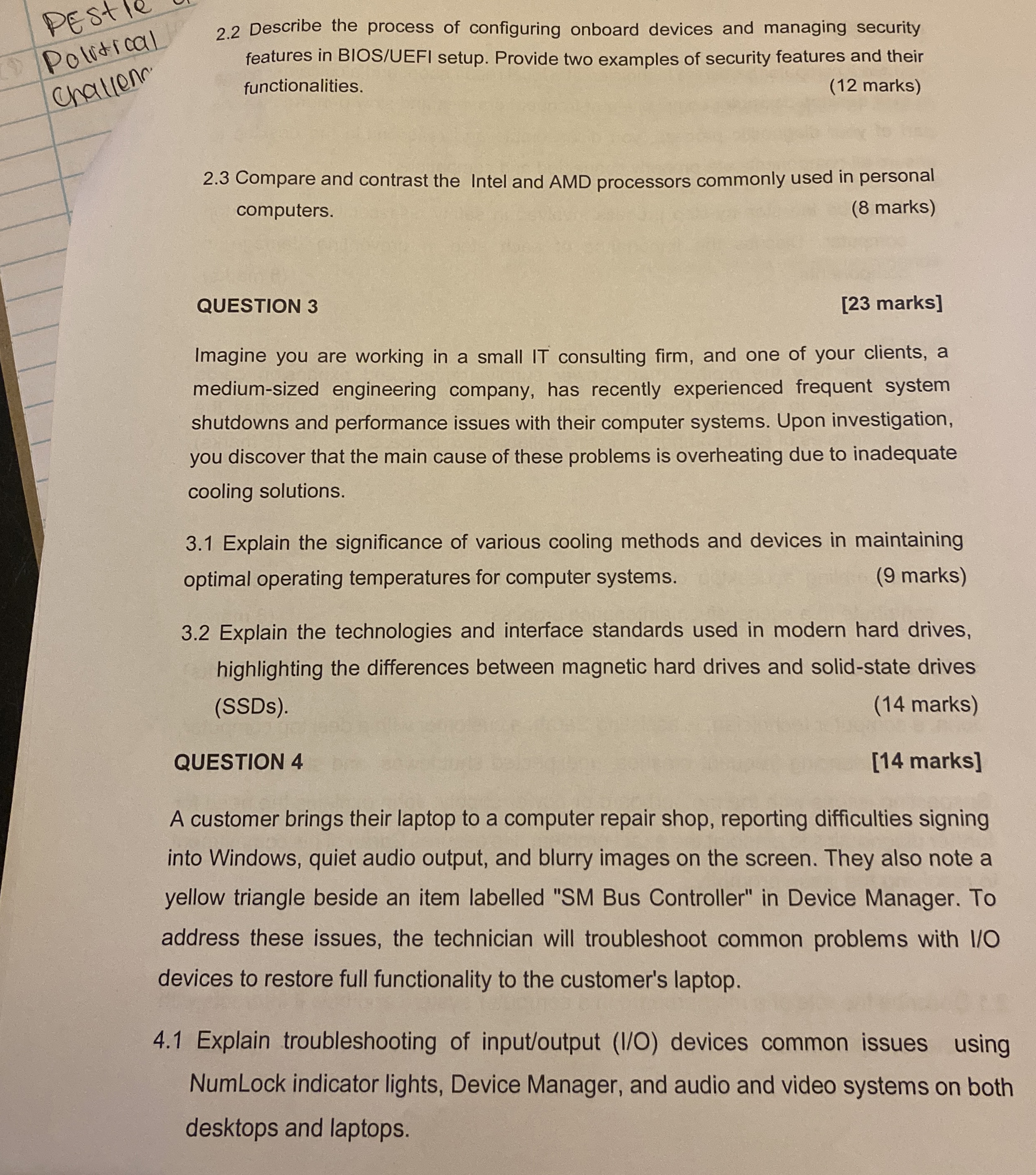
Describe the process of configuring onboard devices and managing security features in BIOSUEFI setup. Provide two examples of security features and their functionalities.
marks
Compare and contrast the Intel and AMD processors commonly used in personal computers.
marks
QUESTION
marks
Imagine you are working in a small IT consulting firm, and one of your clients, a mediumsized engineering company, has recently experienced frequent system shutdowns and performance issues with their computer systems. Upon investigation, you discover that the main cause of these problems is overheating due to inadequate cooling solutions.
Explain the significance of various cooling methods and devices in maintaining optimal operating temperatures for computer systems.
marks
Explain the technologies and interface standards used in modern hard drives, highlighting the differences between magnetic hard drives and solidstate drives SSDs
marks
QUESTION
marks
A customer brings their laptop to a computer repair shop, reporting difficulties signing into Windows, quiet audio output, and blurry images on the screen. They also note a yellow triangle beside an item labelled SM Bus Controller" in Device Manager. To address these issues, the technician will troubleshoot common problems with devices to restore full functionality to the customer's laptop.
Explain troubleshooting of inputoutput IO devices common issues using NumLock indicator lights, Device Manager, and audio and video systems on both desktops and laptops.
Step by Step Solution
There are 3 Steps involved in it
1 Expert Approved Answer
Step: 1 Unlock

Question Has Been Solved by an Expert!
Get step-by-step solutions from verified subject matter experts
Step: 2 Unlock
Step: 3 Unlock
 Study Help