







Question: Question 2 The worksheet provided in the Answer 2 tab contains the date related to Sonic Selections in date by applying the following formatting instructions:
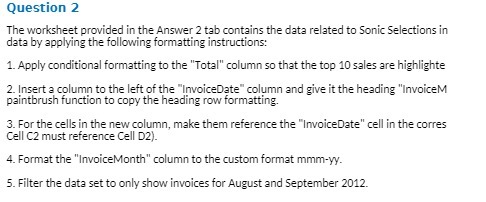
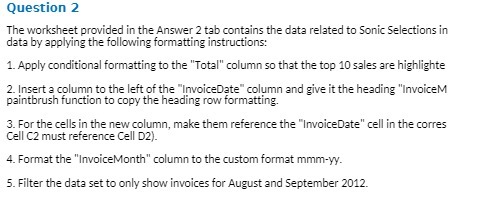
Question 2 The worksheet provided in the Answer 2 tab contains the date related to Sonic Selections in date by applying the following formatting instructions: 1. Apply conditional formatting to the "Total" column so that the top 10 sales are highlighte 2. Insert a column to the left of the "InvoiceDate" column and give it the heading "InvoiceM paintbrush function to copy the heading row formatting. 3. For the cells in the new column, make them reference the "InvoiceDate" cell in the corres Cell C2 must reference Cell D2). 4. Format the "InvoiceMonth" column to the custom format mmm-yy. 5. Filter the date set to only show invoices for August and September 2012
Step by Step Solution
There are 3 Steps involved in it

Get step-by-step solutions from verified subject matter experts
 Study Help