







Question: QUESTION 3 When you are going away from your work computer, you must LOCK your computer to keep it secure so that others do not
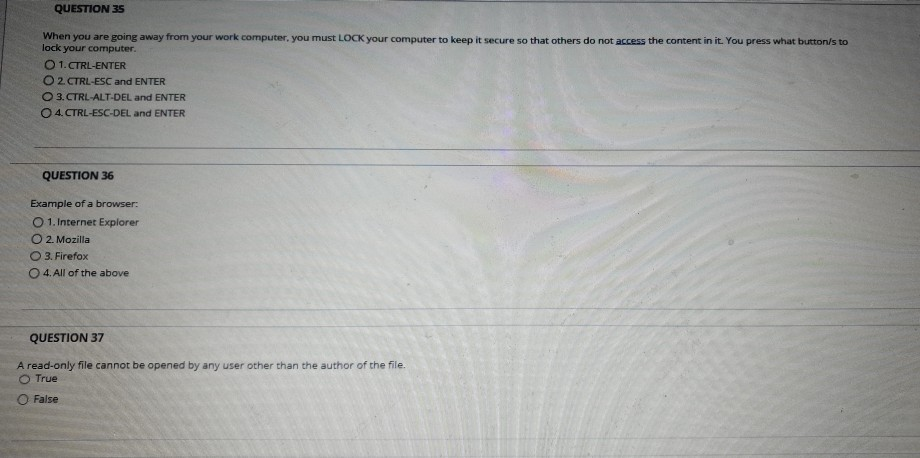
QUESTION 3 When you are going away from your work computer, you must LOCK your computer to keep it secure so that others do not access the content in it. You press what buttons to lock your computer. 1. CTRL-ENTER O 2 CTRL-ESC and ENTER 3. CTRL-ALT-DEL and ENTER 4. CTRL-ESC-DEL and ENTER QUESTION 36 Example of a browser: 1. Internet Explorer 2. Mozilla 3. Firefox 4. All of the above QUESTION 37 A read-only file cannot be opened by any user other than the author of the file. True False
Step by Step Solution
There are 3 Steps involved in it
1 Expert Approved Answer
Step: 1 Unlock

Question Has Been Solved by an Expert!
Get step-by-step solutions from verified subject matter experts
Step: 2 Unlock
Step: 3 Unlock
 Study Help