


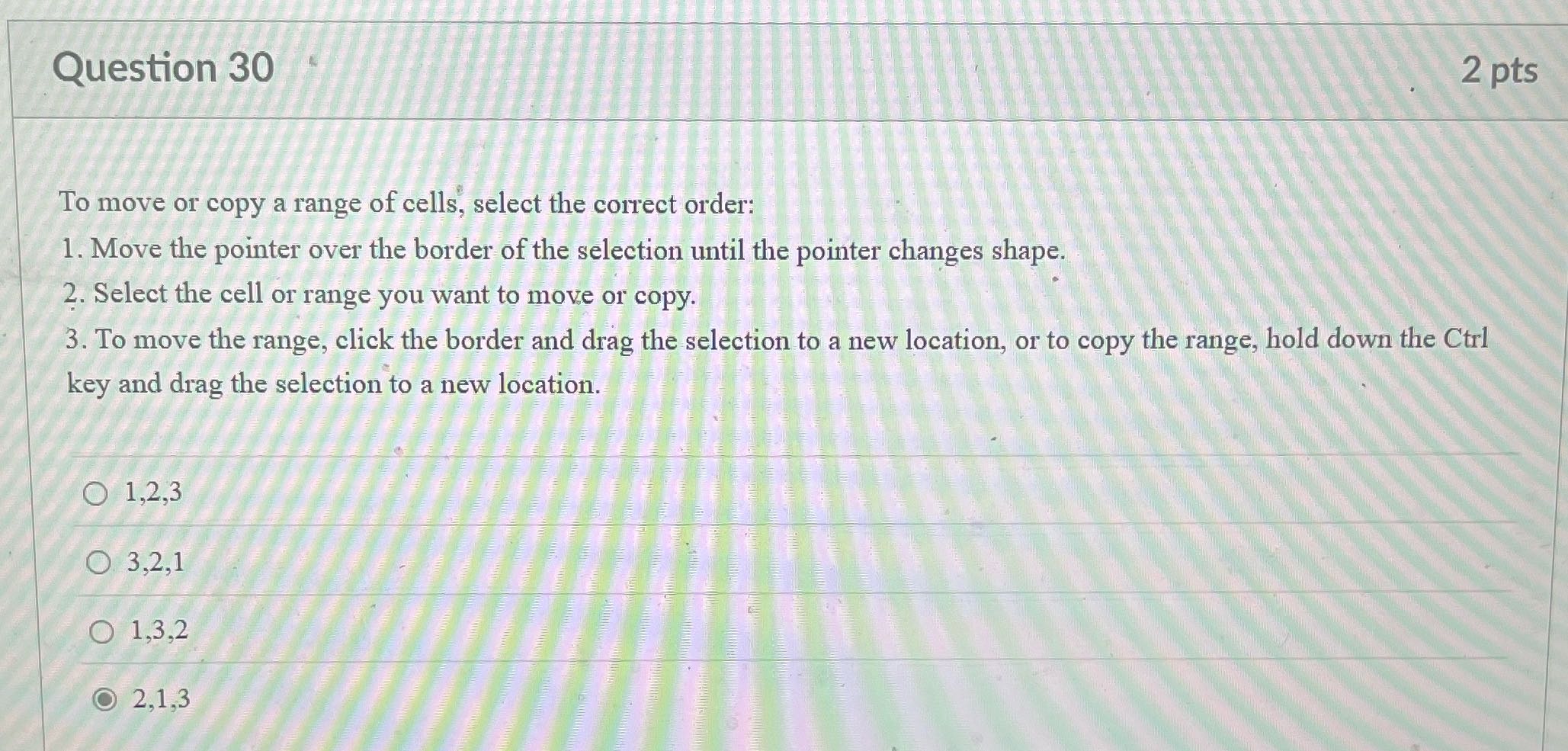
Question: Question 30 2 pts To move or copy a range of cells, select the correct order: 1. Move the pointer over the border of the
Question 30 2 pts To move or copy a range of
Question 30 2 pts To move or copy a range of cells, select the correct order: 1. Move the pointer over the border of the selection until the pointer changes shape. 2. Select the cell or range you want to move or copy. 3. To move the range, click the border and drag the selection to a new location, or to copy the range, hold down the Ctrl key and drag the selection to a new location. O 1,2,3 O 3,2,1 O 1,3,2 O 2,1,3

Step by Step Solution

There are 3 Steps involved in it

1 Expert Approved Answer
Step: 1 Unlock blur-text-image

Question Has Been Solved by an Expert!

Get step-by-step solutions from verified subject matter experts

Step: 2 Unlock
Step: 3 Unlock

Students Have Also Explored These Related Accounting Questions!