







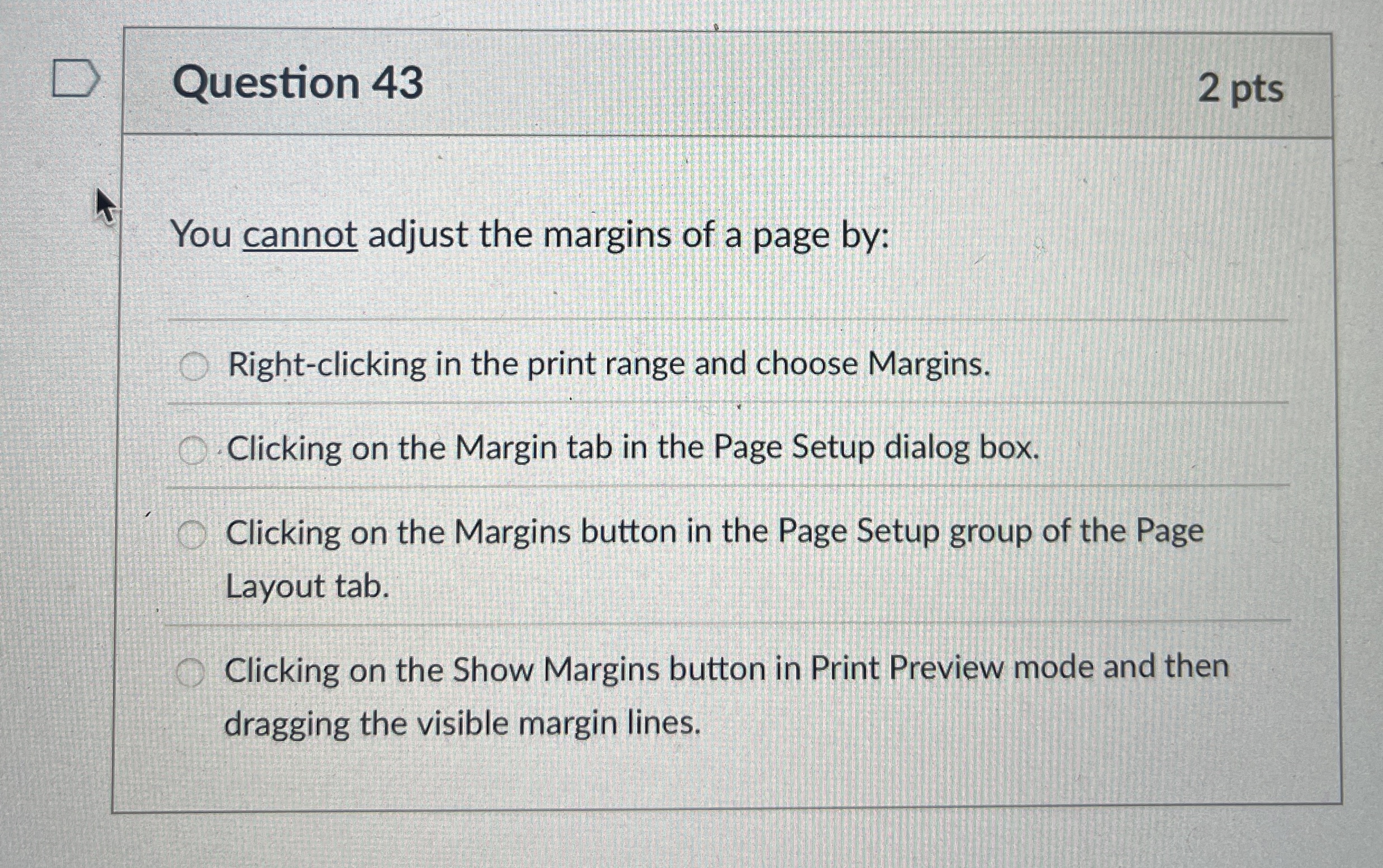
Question: Question 4 3 2 pts You cannot adjust the margins of a page by: Right - clicking in the print range and choose Margins. Clicking
Question
pts
You cannot adjust the margins of a page by:
Rightclicking in the print range and choose Margins.
Clicking on the Margin tab in the Page Setup dialog box.
Clicking on the Margins button in the Page Setup group of the Page Layout tab.
Clicking on the Show Margins button in Print Preview mode and then dragging the visible margin lines.
Step by Step Solution
There are 3 Steps involved in it
1 Expert Approved Answer
Step: 1 Unlock

Question Has Been Solved by an Expert!
Get step-by-step solutions from verified subject matter experts
Step: 2 Unlock
Step: 3 Unlock
 Study Help