







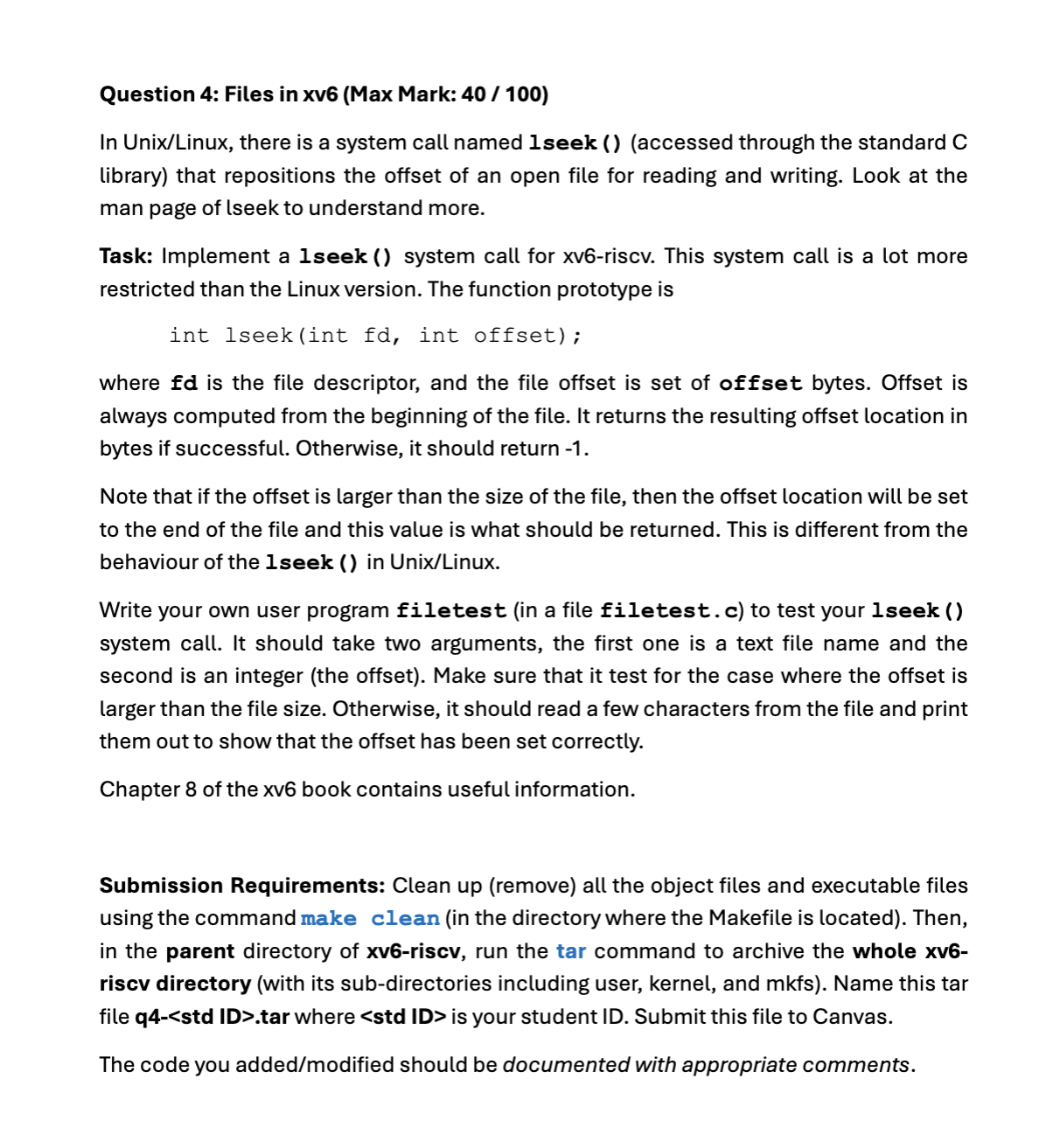
Question: Question 4 : Files in xv 6 ( Max Mark: 4 0 / 1 0 0 ) In Unix / Linux , there is a
Question : Files in xvMax Mark:
In UnixLinux there is a system call named lseek accessed through the standard C library that repositions the offset of an open file for reading and writing. Look at the man page of lseek to understand more.
Task: Implement a lseek system call for xvriscv. This system call is a lot more restricted than the Linux version. The function prototype is
int lseekint fd int offset;
where fd is the file descriptor, and the file offset is set of offset bytes. Offset is always computed from the beginning of the file. It returns the resulting offset location in bytes if successful. Otherwise, it should return
Note that if the offset is larger than the size of the file, then the offset location will be set to the end of the file and this value is what should be returned. This is different from the behaviour of the lseek in UnixLinux
Write your own user program filetest in a file filetest.c to test your lseek system call. It should take two arguments, the first one is a text file name and the second is an integer the offset Make sure that it test for the case where the offset is larger than the file size. Otherwise, it should read a few characters from the file and print them out to show that the offset has been set correctly.
Chapter of the xv book contains useful information.
Submission Requirements: Clean up remove all the object files and executable files using the command make clean in the directory where the Makefile is located Then, in the parent directory of xvriscv, run the tar command to archive the whole xvriscv directory with its subdirectories including user, kernel, and mkfs Name this tar file qtar where is your student ID Submit this file to Canvas.
The code you addedmodified should be documented with appropriate comments.
Step by Step Solution
There are 3 Steps involved in it
1 Expert Approved Answer
Step: 1 Unlock

Question Has Been Solved by an Expert!
Get step-by-step solutions from verified subject matter experts
Step: 2 Unlock
Step: 3 Unlock
 Study Help