







Question: Question 4 Which 4 statements are correct regarding the QuickBooks Online Receipt Capture feature? (Select all that apply) The Receipt Capture feature uses Optical Character
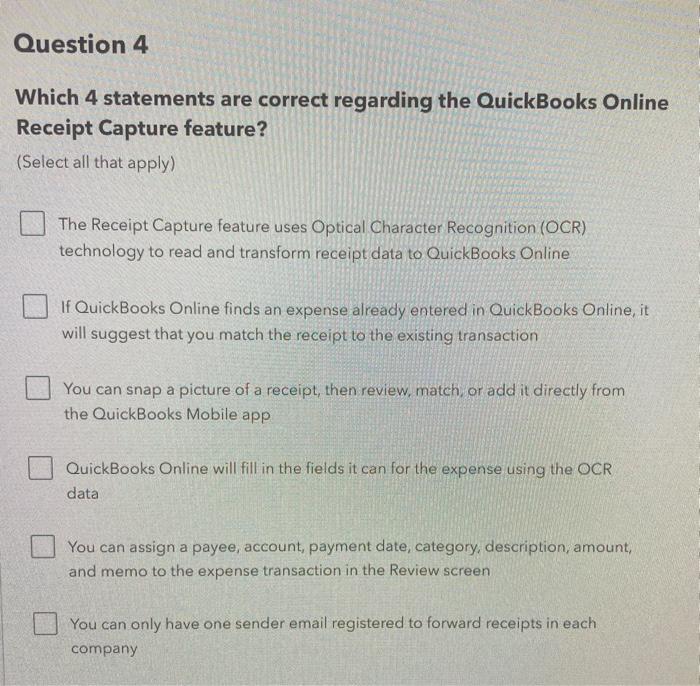
Question 4 Which 4 statements are correct regarding the QuickBooks Online Receipt Capture feature? (Select all that apply) The Receipt Capture feature uses Optical Character Recognition (OCR) technology to read and transform receipt data to QuickBooks Online If QuickBooks Online finds an expense already entered in QuickBooks Online, it will suggest that you match the receipt to the existing transaction You can snap a picture of a receipt, then review, match or add it directly from the QuickBooks Mobile app QuickBooks Online will fill in the fields it can for the expense using the OCR data You can assign a payee, account, payment date, category, description, amount, and memo to the expense transaction in the Review screen You can only have one sender email registered to forward receipts in each company
Step by Step Solution
There are 3 Steps involved in it

Get step-by-step solutions from verified subject matter experts
 Study Help