







Question: Question 5 ( 2 points ) The meterpreter clearev command ( meterpreter > clearev ) will: Clear the Application, System and Security logs on Windows
Question points
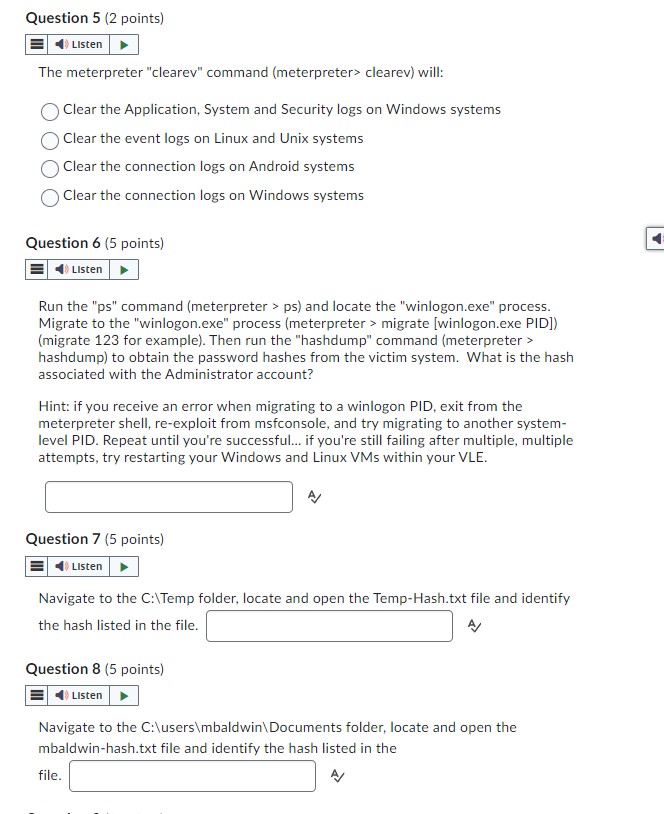
The meterpreter "clearev" command meterpreter clearev will:
Clear the Application, System and Security logs on Windows systems
Clear the event logs on Linux and Unix systems
Clear the connection logs on Android systems
Clear the connection logs on Windows systems
Question points
E
Run the ps command meterpreter ps and locate the "winlogon.exe" process.
Migrate to the "winlogon.exe" process meterpreter migrate winlogonexe PID
migrate for example Then run the "hashdump" command meterpreter
hashdump to obtain the password hashes from the victim system. What is the hash
associated with the Administrator account?
Hint: if you receive an error when migrating to a winlogon PID, exit from the
meterpreter shell, reexploit from msfconsole, and try migrating to another system
level PID. Repeat until you're successful... if you're still failing after multiple, multiple
attempts, try restarting your Windows and Linux VMs within your VLE.
A
Question points
Navigate to the C:Temp folder, locate and open the TempHash.txt file and identify
the hash listed in the file.
Question points
Navigate to the C:users mbaldwinDocuments folder, locate and open the
mbaldwinhash.txt file and identify the hash listed in the
file.
Step by Step Solution
There are 3 Steps involved in it
1 Expert Approved Answer
Step: 1 Unlock

Question Has Been Solved by an Expert!
Get step-by-step solutions from verified subject matter experts
Step: 2 Unlock
Step: 3 Unlock
 Study Help