







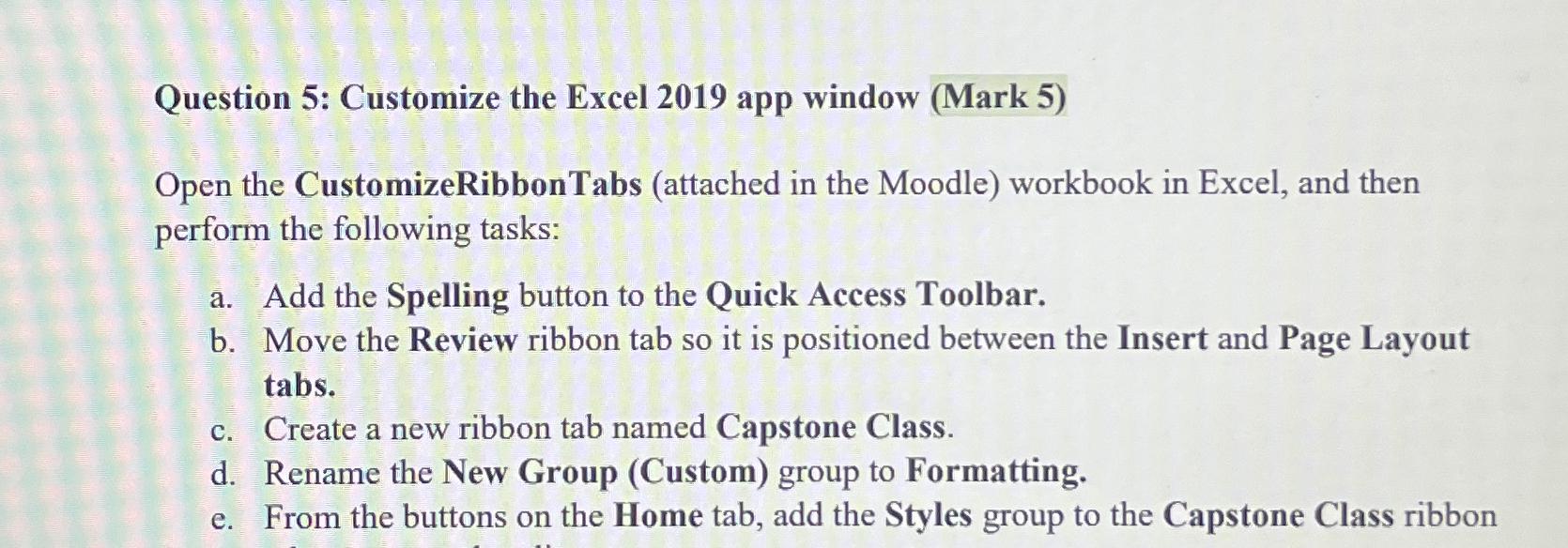
Question: Question 5 : Customize the Excel 2 0 1 9 app window ( Mark 5 ) Open the CustomizeRibbonTabs ( attached in the Moodle )
Question : Customize the Excel app window Mark
Open the CustomizeRibbonTabs attached in the Moodle workbook in Excel, and then perform the following tasks:
a Add the Spelling button to the Quick Access Toolbar.
b Move the Review ribbon tab so it is positioned between the Insert and Page Layout tabs
c Create a new ribbon tab named Capstone Class.
d Rename the New Group Custom group to Formatting.
e From the buttons on the Home tab, add the Styles group to the Capstone Class ribbon
Step by Step Solution
There are 3 Steps involved in it
1 Expert Approved Answer
Step: 1 Unlock

Question Has Been Solved by an Expert!
Get step-by-step solutions from verified subject matter experts
Step: 2 Unlock
Step: 3 Unlock
 Study Help