







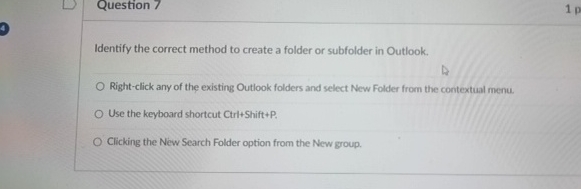
Question: Question 7 Identify the correct method to create a folder or subfolder in Outlook. Right - click any of the existing Outlook folders and select
Question
Identify the correct method to create a folder or subfolder in Outlook.
Rightclick any of the existing Outlook folders and select New Folder from the contextual menu.
Use the keyboard shortcut CiritShift
Clicking the New Search Folder option from the New group.
Step by Step Solution
There are 3 Steps involved in it
1 Expert Approved Answer
Step: 1 Unlock

Question Has Been Solved by an Expert!
Get step-by-step solutions from verified subject matter experts
Step: 2 Unlock
Step: 3 Unlock
 Study Help