







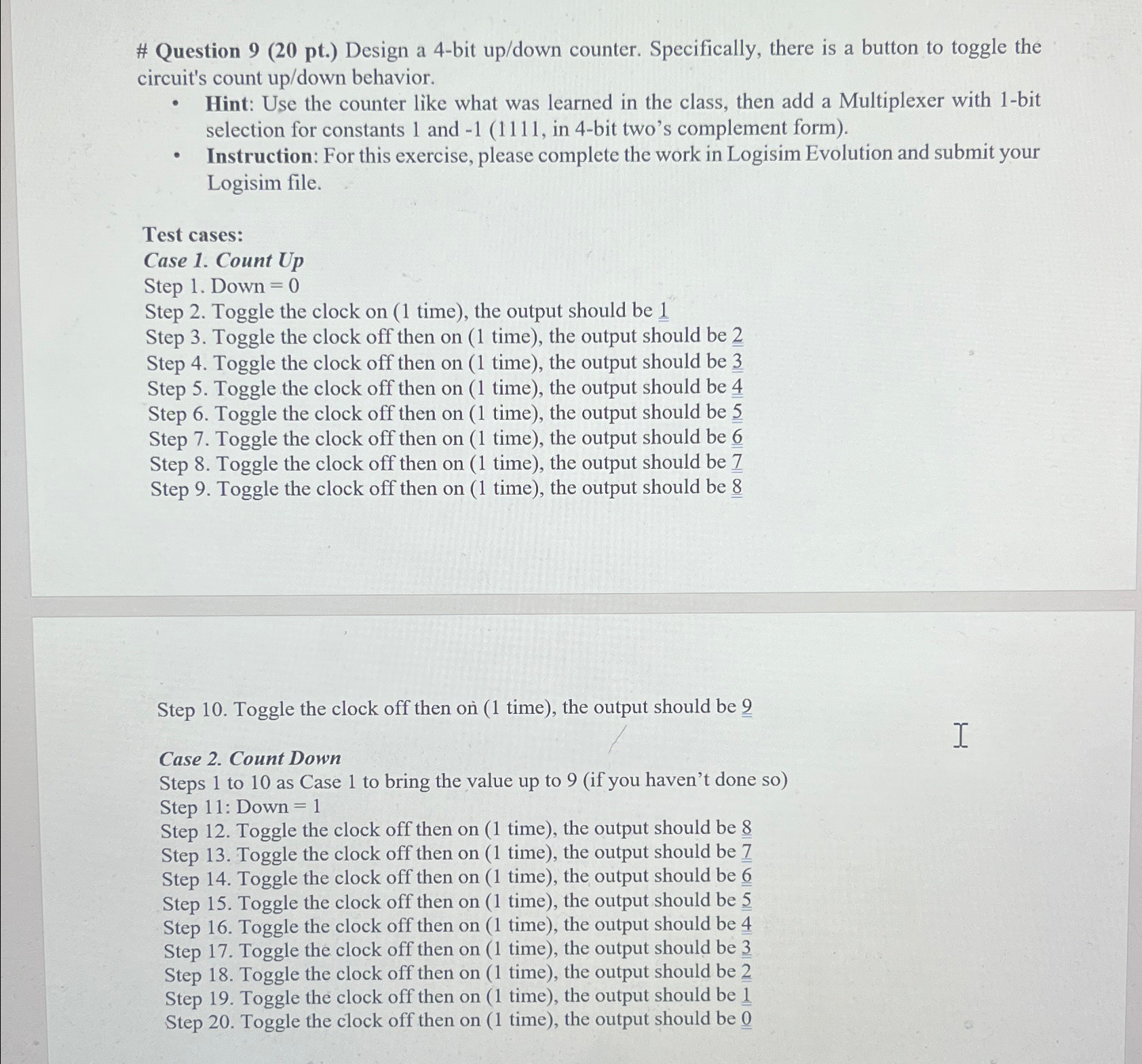
Question: # Question 9 ( 2 0 pt . ) Design a 4 - bit up / down counter. Specifically, there is a button to toggle
# Question pt Design a bit updown counter. Specifically, there is a button to toggle the circuit's count updown behavior.
Hint: Use the counter like what was learned in the class, then add a Multiplexer with bit selection for constants and in bit two's complement form
Instruction: For this exercise, please complete the work in Logisim Evolution and submit your Logisim file.
Test cases:
Case Count Up
Step Down
Step Toggle the clock on time the output should be
Step Toggle the clock off then on time the output should be
Step Toggle the clock off then on time the output should be
Step Toggle the clock off then on time the output should be
Step Toggle the clock off then on time the output should be
Step Toggle the clock off then on time the output should be
Step Toggle the clock off then on time the output should be
Step Toggle the clock off then on time the output should be
Step Toggle the clock off then on time the output should be
Case Count Down
Steps to as Case to bring the value up to if you haven't done so
Step : Down
Step Toggle the clock off then on time the output should be
Step Toggle the clock off then on time the output should be
Step Toggle the clock off then on time the output should be
Step Toggle the clock off then on time the output should be
Step Toggle the clock off then on time the output should be
Step Toggle the clock off then on time the output should be
Step Toggle the clock off then on time the output should be
Step Toggle the clock off then on time the output should be
Step Toggle the clock off then on time the output should be
Step by Step Solution
There are 3 Steps involved in it
1 Expert Approved Answer
Step: 1 Unlock

Question Has Been Solved by an Expert!
Get step-by-step solutions from verified subject matter experts
Step: 2 Unlock
Step: 3 Unlock
 Study Help