







Question: Question: In your own words, explain the final warning Create a Simple Volume 1. 2. 3. 4. 5. 6. Right click on the Unallocated space
 Question: In your own words, explain the final warning
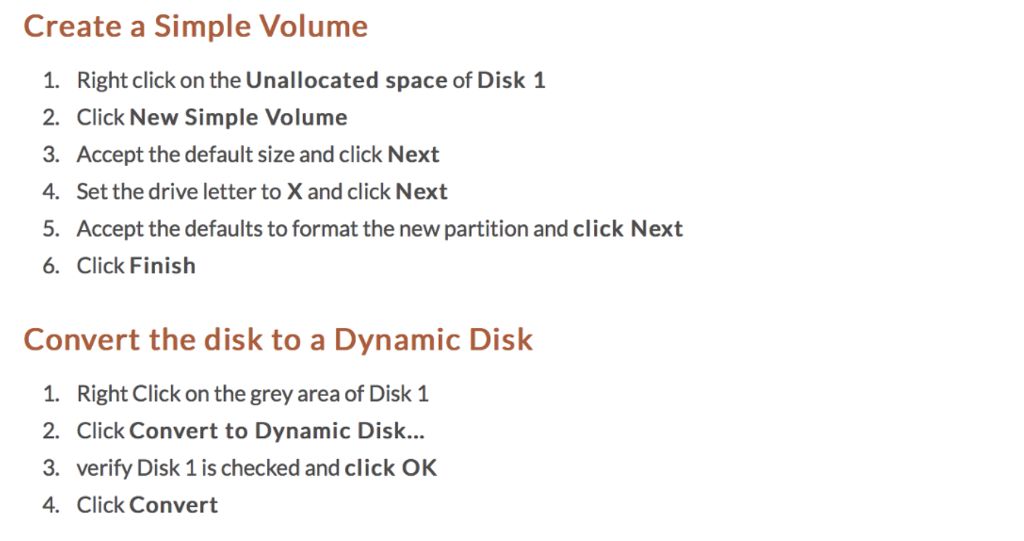
Create a Simple Volume 1. 2. 3. 4. 5. 6. Right click on the Unallocated space of Disk 1 Click New Simple Volume Accept the default size and click Next Set the drive letter to X and click Next Accept the defaults to format the new partition and click Next Click Finish Convert the disk to a Dynamic Disk 1. 2. 3. 4. Right Click on the grey area of Disk 1 Click Convert to Dynamic Disk... verify Disk 1 is checked and click OK Click Convert
Step by Step Solution
There are 3 Steps involved in it
1 Expert Approved Answer
Step: 1 Unlock

Question Has Been Solved by an Expert!
Get step-by-step solutions from verified subject matter experts
Step: 2 Unlock
Step: 3 Unlock
 Study Help