







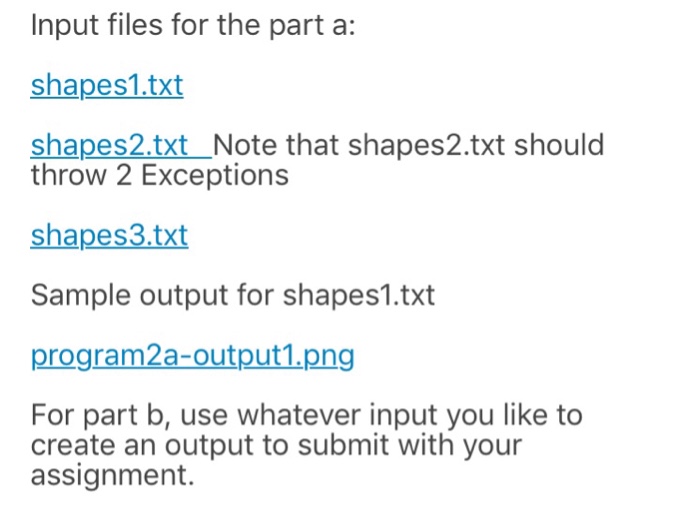
Question: Question: Input files (and 1 example output file): This assignment consists of writing two programs. Both use javafx to create graphics. You will have to
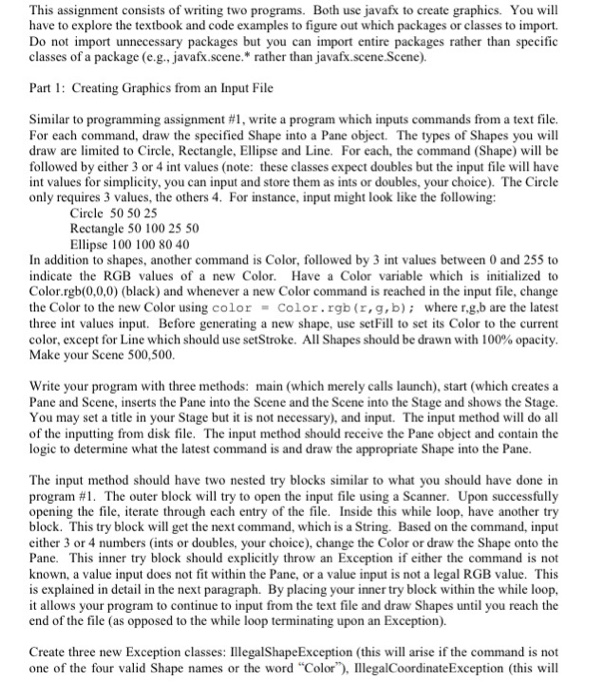
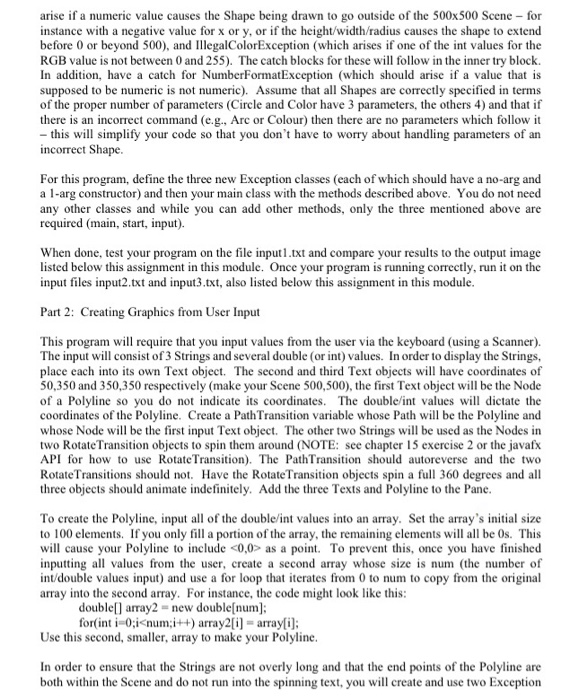
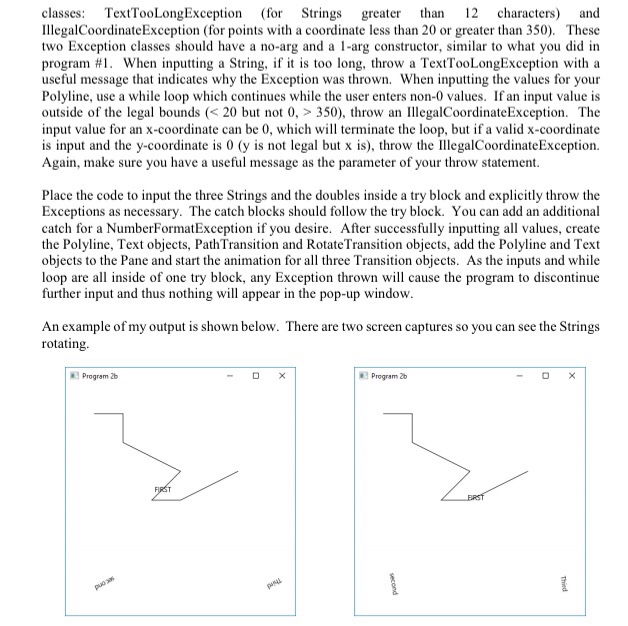
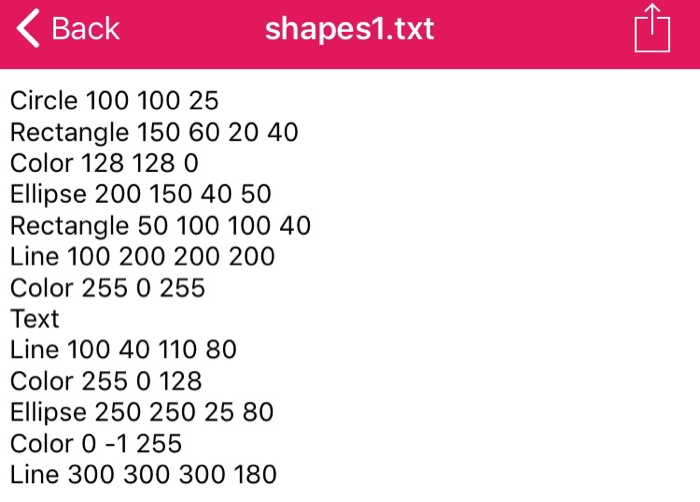
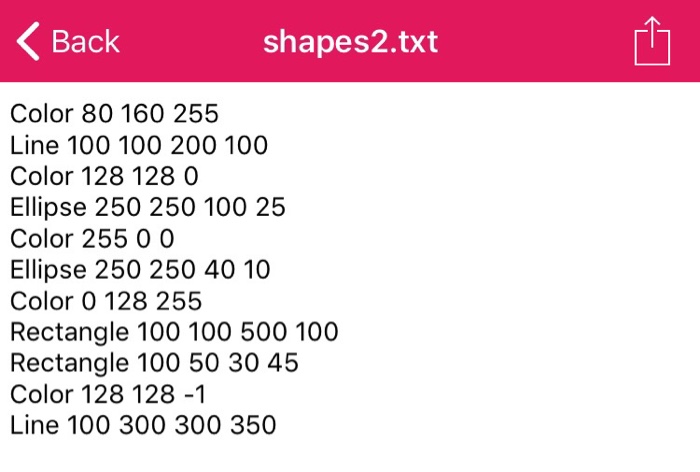
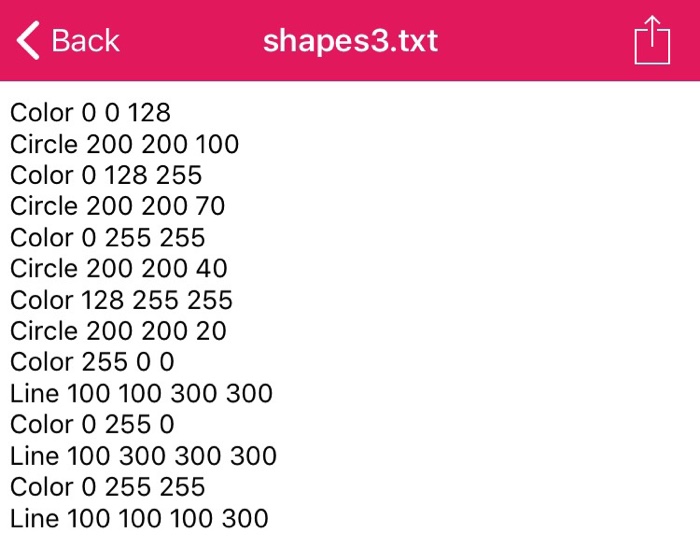
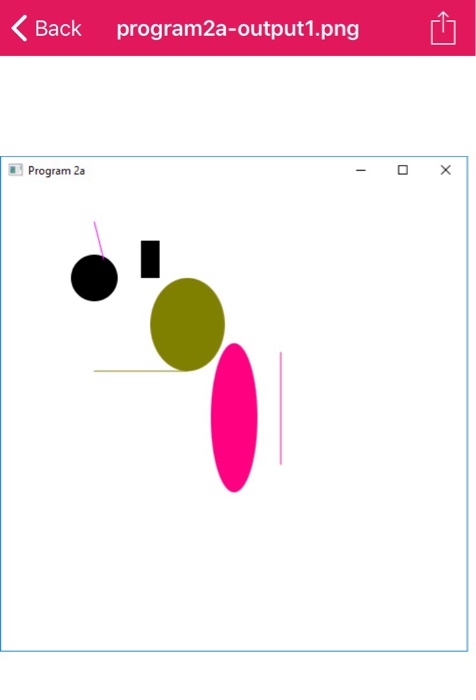
This assignment consists of writing two programs. Both use javafx to create graphics. You will have to explore the textbook and code examples to figure out which packages or classes to import. Do not import unnecessary packages but you can import entire packages rather than specific classes of a package (e.g., javafk.scene. rather than javafk.scene.Scene). Par Creating Graphics from an Input File Similar to programming assignment #1, write a program which inputs commands from a text file. For each command, draw the specified Shape into a Pane object. The types of Shapes you will draw are limited to Circle, Rectangle, Ellipse and Line. For each, the command (Shape will be followed by either 3 or 4 int values (note: these classes expect doubles but the input file will have int values for simplicity, you can input and store them as ints or doubles, your choice). The Circle only requires 3 values, the others 4. For instance, input might look like the following Circle 50 50 25 Rectangle 50 100 25 50 Ellipse 100 100 80 40 In addition to shapes, another command is Color, followed by 3 int values between 0 and 255 to indicate the RGB values of a new Color. Have a Color variable which is initialized to Color.rgb(0,0,0) (black) and whenever a new Color command is reached in the input file, change the Color to the new Color using colorColor.rgb (r,g,b) where r,g.b are the latest three int values input. Before generating a new shape, use setFill to set its Color to the current color, except for Line which should use setStroke. All Shapes should be drawn with 100% opacity Make your Scene 500,500 Write your program with three methods: main (which merely calls launch), start (which createsa Pane and Scene, inserts the Pane into the Scene and the Scene into the Stage and shows the Stage You may set a title in your Stage but it is not necessary), and input. The input method will do all of the inputting from disk file. The input method should receive the Pane object and contain the logic to determine what the latest command is and draw the appropriate Shape into the Pane The input method should have two nested try blocks similar to what you should have done in program #1. The outer block will try to open the input file using a Scanner. Upon successfully opening the file, iterate through each entry of the file. Inside this while loop, have another try block. This try block will get the next command, which is a String. Based on the command, input either 3 or 4 numbers (ints or doubles, your choice), change the Color or draw the Shape onto the Pane. This inner try block should explicitly throw an Exception if either the command is not known, a value input does not fit within the Pane, or a value input is not a legal RGB value. This is explained in detail in the next paragraph. By placing your inner try block within the while loop, it allows your program to continue to input from the text file and draw Shapes until you reach the end of the file (as opposed to the while loop terminating upon an Exception. Create three new Exception classes: IllegalShapeException (this will arise if the command is not one of the four valid Shape names or the word "Color, IlegalCoordinateException (this will
Step by Step Solution
There are 3 Steps involved in it

Get step-by-step solutions from verified subject matter experts
 Study Help