







Question: Question must be answered using MATLAB. Below I will add two images as they are necessary to answer the problem. A screenshot of the image,
Question must be answered using MATLAB. Below I will add two images as they are necessary to answer the problem. A screenshot of the image, along with the corresponding name, may work for writting out the code. Thank you!
Problem:
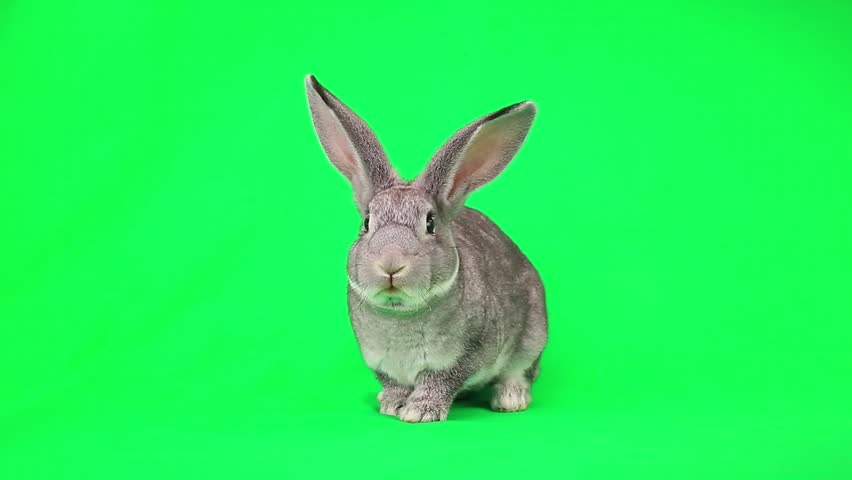
file: 'rabbitGreenScreen.jpg'
file: 'nature_background.jpg'

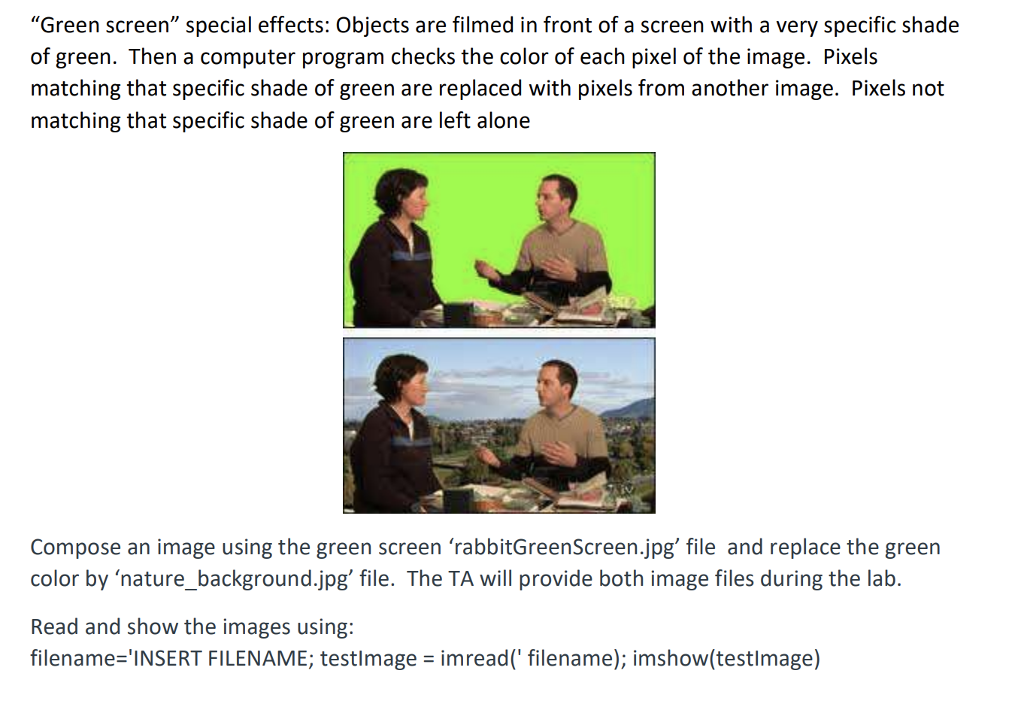
"Green screen" special effects: Objects are filmed in front of a screen with a very specific shade of green. Then a computer program checks the color of each pixel of the image. Pixels matching that specific shade of green are replaced with pixels from another image. Pixels not matching that specific shade of green are left alone Compose an image using the green screen 'rabbitGreenScreen.jpg' file and replace the green color by nature_background.jpg' file. The TA will provide both image files during the lab. Read and show the images using: filename-'INSERT FILENAME; testlmage imread( filename); imshow(testlmage)
Step by Step Solution
There are 3 Steps involved in it

Get step-by-step solutions from verified subject matter experts
 Study Help