







Question: R view and edit a spin button form control. a . Right - click the spin button control on the Daily sheet. b . Review
Rview and edit a spin button form control.
a Rightclick the spin button control on the Daily sheet.
b Review the settings on the Control tab; note that the linked cell to the left of the control displays the
results.
c Click the Protection tah and deselect the Locked box. Click OK
d Rightclick the spin button control and select Edit Alt Text. Add the following alt text: This is a spinner
control to count clients..
e Click OK
Copy and edit form controls.
a Confirm that the control is selected.
b Copy it to the Clipboard and paste it
c Drag the copied control to cell C
d Paste again and drag the second copy to cell C
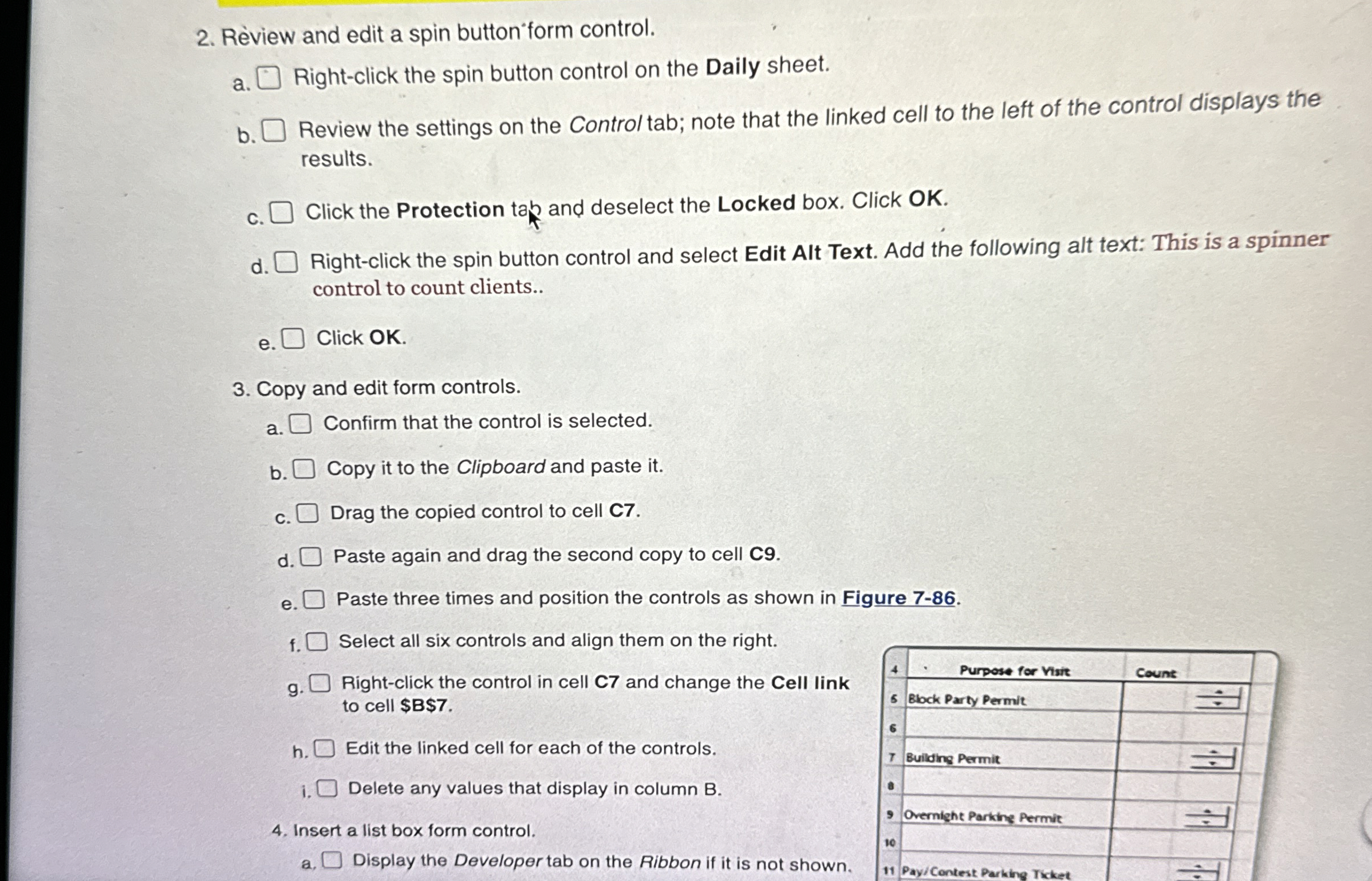
e Paste three times and position the controls as shown in Figure
f Select all six controls and align them on the right.
g Rightclick the control in cell and change the Cell link
to cell $$
h Edit the linked cell for each of the controls.
i
Delete any values that display in column B
Insert a list box form control.
a Display the Developer tab on the Ribbon if it is not shown.
Step by Step Solution
There are 3 Steps involved in it
1 Expert Approved Answer
Step: 1 Unlock

Question Has Been Solved by an Expert!
Get step-by-step solutions from verified subject matter experts
Step: 2 Unlock
Step: 3 Unlock
 Study Help