







Question: radius.py Write a Python program named radius.py that prompts the user for a radius, and then uses functions to compute the diameter, circumference, and area
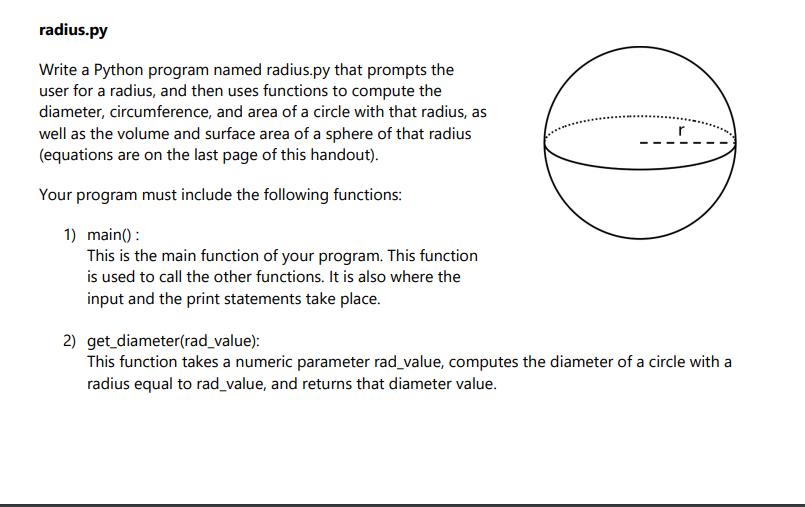
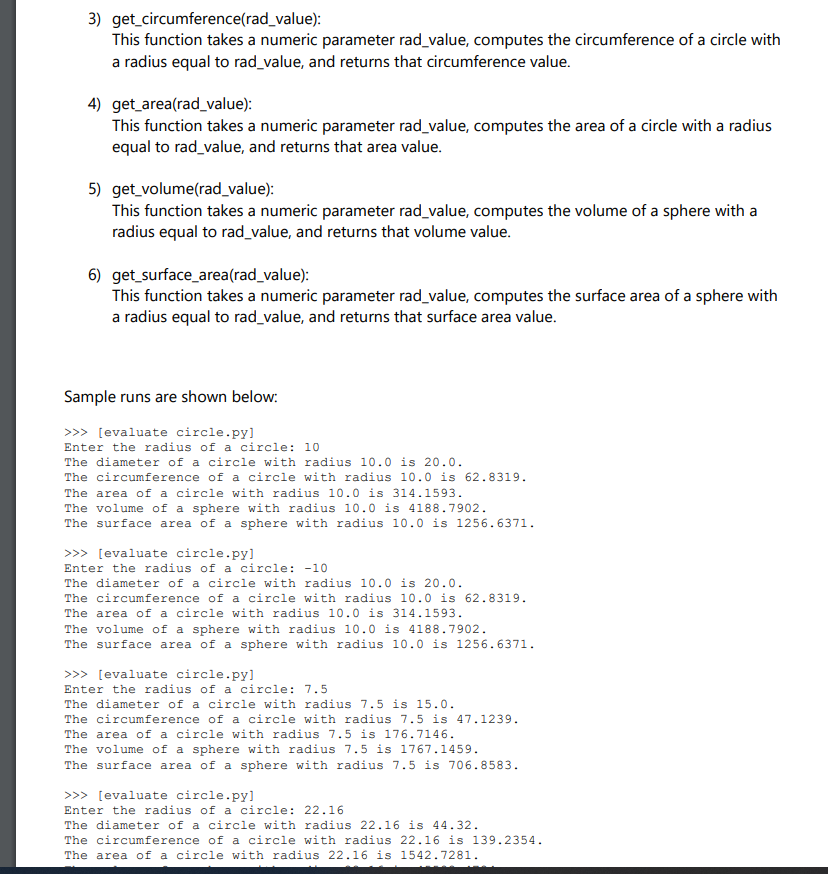
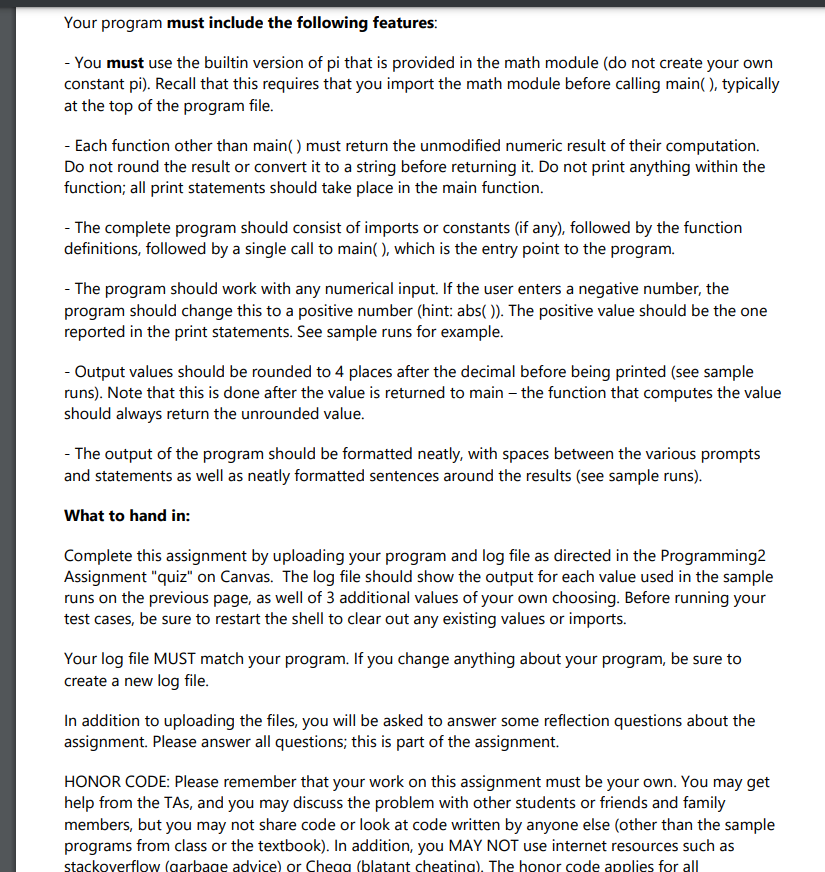
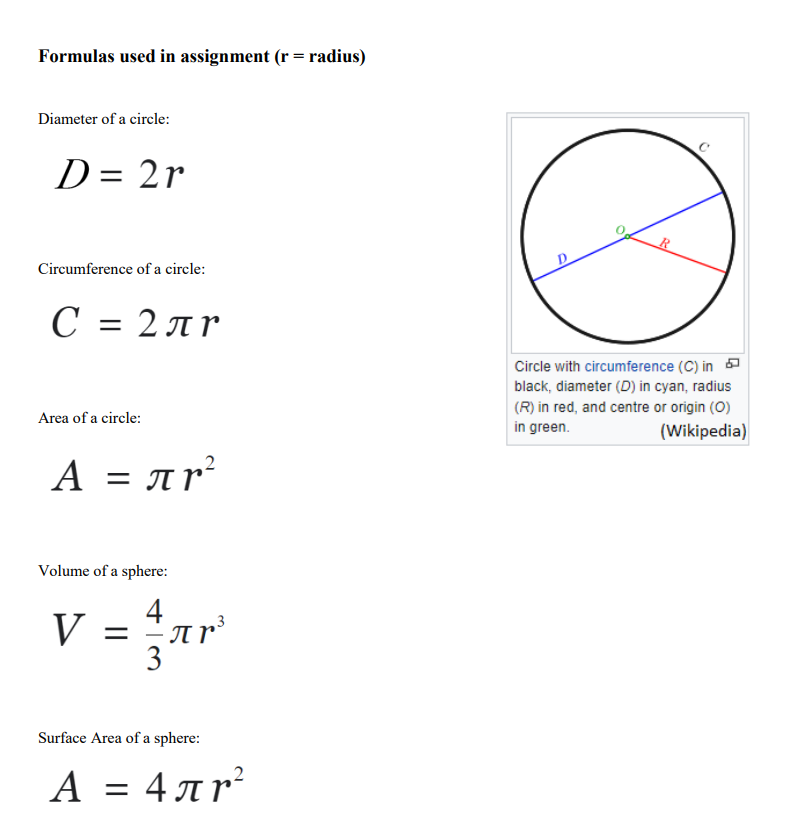
radius.py Write a Python program named radius.py that prompts the user for a radius, and then uses functions to compute the diameter, circumference, and area of a circle with that radius, as well as the volume and surface area of a sphere of that radius (equations are on the last page of this handout). Your program must include the following functions: r 1) main() : This is the main function of your program. This function is used to call the other functions. It is also where the input and the print statements take place. 2) get_diameter(rad_value): This function takes a numeric parameter rad_value, computes the diameter of a circle with a radius equal to rad_value, and returns that diameter value. 3) get_circumference(rad_value): This function takes a numeric parameter rad_value, computes the circumference of a circle with a radius equal to rad_value, and returns that circumference value. 4) get_area(rad_value): This function takes a numeric parameter rad_value, computes the area of a circle with a radius equal to rad_value, and returns that area value. 5) get_volume(rad_value): This function takes a numeric parameter rad_value, computes the volume of a sphere with a radius equal to rad_value, and returns that volume value. 6) get_surface_area(rad_value): This function takes a numeric parameter rad_value, computes the surface area of a sphere with a radius equal to rad_value, and returns that surface area value. Sample runs are shown below: >>> (evaluate circle.py] Enter the radius of a circle: 10 The diameter of a circle with radius 10.0 is 20.0. The circumference of a circle with radius 10.0 is 62.8319. The area of a circle with radius 10.0 is 314.1593. The volume of a sphere with radius 10.0 is 4188.7902. The surface area of a sphere with radius 10.0 is 1256.6371. >>> (evaluate circle.py) Enter the radius of a circle: -10 The diameter of a circle with radius 10.0 is 20.0. The circumference of a circle with radius 10.0 is 62.8319. The area of a circle with radius 10.0 is 314.1593. The volume of a sphere with radius 10.0 is 4188.7902. The surface area of a sphere with radius 10.0 is 1256.6371. >>> (evaluate circle.py] Enter the radius of a circle: 7.5 The diameter of a circle with radius 7.5 is 15.0. The circumference of a circle with radius 7.5 is 47.1239. The area of a circle with radius 7.5 is 176.7146. The volume of a sphere with radius 7.5 is 1767.1459. The surface area of a sphere with radius 7.5 is 706.8583. >>> evaluate circle.py] Enter the radius of a circle: 22.16 The diameter of a circle with radius 22.16 is 44.32. The circumference of a circle with radius 22.16 is 139.2354. The area of a circle with radius 22.16 is 1542.7281. Your program must include the following features: - You must use the builtin version of pi that is provided in the math module (do not create your own constant pi). Recall that this requires that you import the math module before calling main(), typically at the top of the program file. - Each function other than main() must return the unmodified numeric result of their computation. Do not round the result or convert it to a string before returning it. Do not print anything within the function; all print statements should take place in the main function. - The complete program should consist of imports or constants (if any), followed by the function definitions, followed by a single call to main(), which is the entry point to the program. - The program should work with any numerical input. If the user enters a negative number, the program should change this to a positive number (hint: abs()). The positive value should be the one reported in the print statements. See sample runs for example. - Output values should be rounded to 4 places after the decimal before being printed (see sample runs). Note that this is done after the value is returned to main the function that computes the value should always return the unrounded value. - The output of the program should be formatted neatly, with spaces between the various prompts and statements as well as neatly formatted sentences around the results (see sample runs). What to hand in: Complete this assignment by uploading your program and log file as directed in the Programming2 Assignment "quiz" on Canvas. The log file should show the output for each value used in the sample runs on the previous page, as well of 3 additional values of your own choosing. Before running your test cases, be sure to restart the shell to clear out any existing values or imports. Your log file MUST match your program. If you change anything about your program, be sure to create a new log file. In addition to uploading the files, you will be asked to answer some reflection questions about the assignment. Please answer all questions, this is part of the assignment. HONOR CODE: Please remember that your work on this assignment must be your own. You may get help from the TAS, and you may discuss the problem with other students or friends and family members, but you may not share code or look at code written by anyone else (other than the sample programs from class or the textbook). In addition, you MAY NOT use internet resources such as stackoverflow (garbage advice) or Chega (blatant cheating). The honor code applies for all Formulas used in assignment (r= radius) Diameter of a circle: D = 2 r Circumference of a circle: C = 2 Circle with circumference (C) in black, diameter (D) in cyan, radius (R) in red, and centre or origin (0) in green. (Wikipedia) Area of a circle: 2. = ? = Volume of a sphere: 4 = - nr 3 V r3 Surface Area of a sphere: A = 4 ar? =
Step by Step Solution
There are 3 Steps involved in it

Get step-by-step solutions from verified subject matter experts
 Study Help