







Question: Read these step by step instructions carefully Connect to the Goodwill Community Foundation (GCF) Learning by accessing the link below and complete the Word Basic
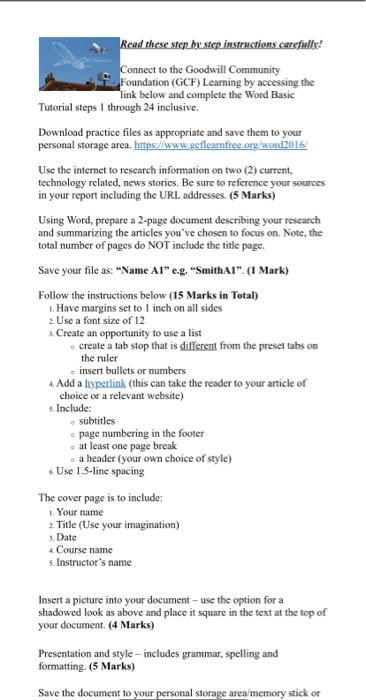
Read these step by step instructions carefully Connect to the Goodwill Community Foundation (GCF) Learning by accessing the link below and complete the Word Basic Tutorial steps I through 24 inclusive. Download practice files as appropriate and save them to your personal storage area, https://www.getlearnfree.org word2016 Use the internet to research information on two (2) current, technology related, news stories. Be sure to reference your sources in your report including the URL addresses (5 Marks) Using Word, prepare a 2-page document describing your research and summarizing the articles you've chosen to focus on. Note, the total number of pages do NOT include the title page. Save your file as: "Name Al" e.g. "SmithA1". (1 Mark) Follow the instructions below (15 Marks in Total) Have margins set to 1 inch on all sides 2. Use a font size of 12 Create an opportunity to use a list create a tab stop that is stifferent from the preset tabs on the ruler insert bullets or numbers Add a hypertink (this can take the reader to your article of choice or a relevant website) Include: subtitles page numbering in the footer at least one page break a header (your own choice of style) Use 1.5-line spacing The cover page is to include: Your name 2. Title (Use your imagination) Date 4 Course name s. Instructor's name 2 4 Insert a picture into your document-use the option for a shadowed look as above and place it square in the text at the top of your document. (4 Marks) Presentation and style - includes grammar, spelling and formatting. (5 Marks) Save the document to your personal storage area memory stick or
Step by Step Solution
There are 3 Steps involved in it

Get step-by-step solutions from verified subject matter experts
 Study Help