







Question: Reimplement an ArrayQueue using dynamic arrays and the provided Queue interface. Note that the Queue interface extends Iterable. A partial implementation is provided for you
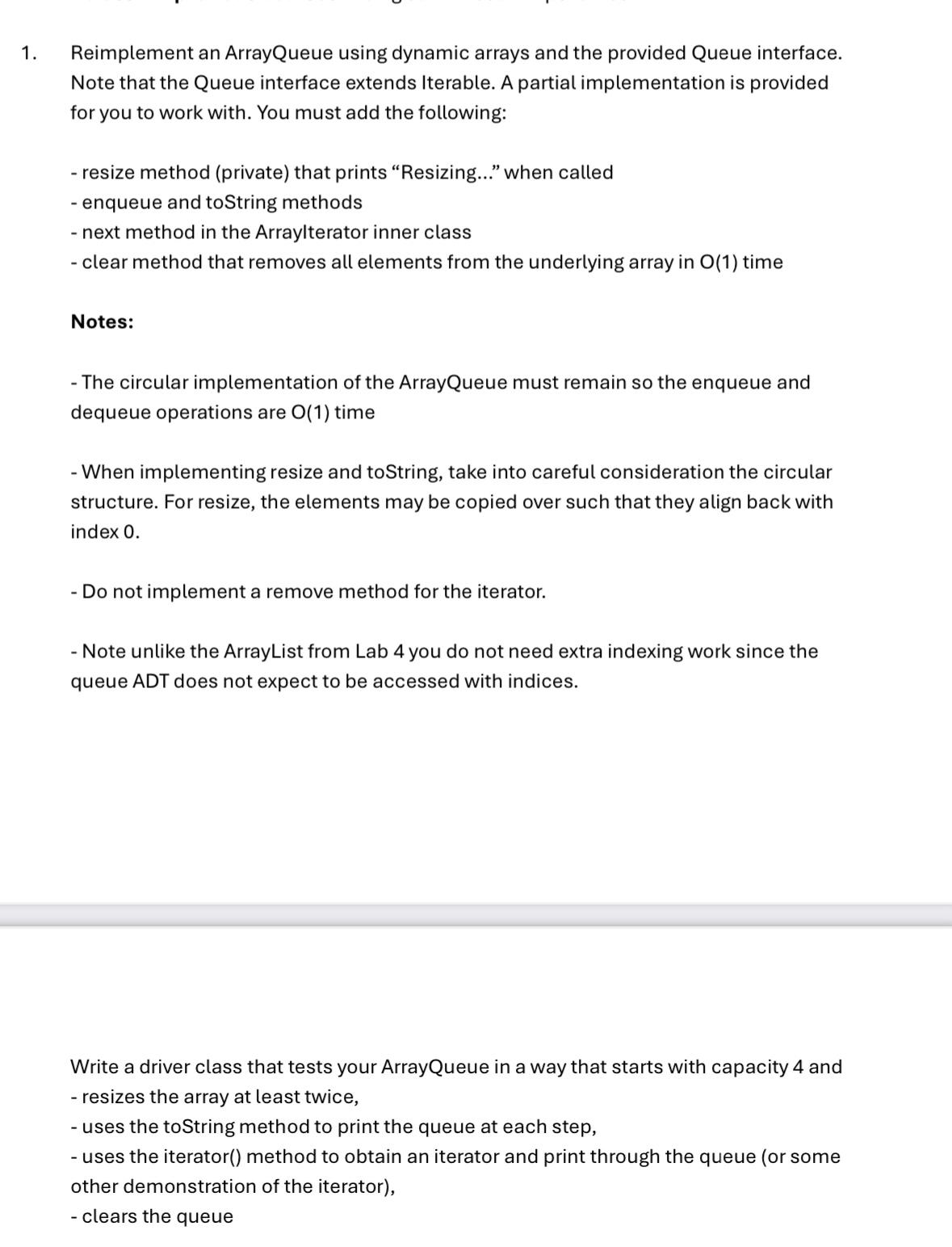
Reimplement an ArrayQueue using dynamic arrays and the provided Queue interface.
Note that the Queue interface extends Iterable. A partial implementation is provided
for you to work with. You must add the following:
resize method private that prints "Resizing..." when called
enqueue and toString methods
next method in the Arraylterator inner class
clear method that removes all elements from the underlying array in O time
Notes:
The circular implementation of the ArrayQueue must remain so the enqueue and
dequeue operations are O time
When implementing resize and toString, take into careful consideration the circular
structure. For resize, the elements may be copied over such that they align back with
index
Do not implement a remove method for the iterator.
Note unlike the ArrayList from Lab you do not need extra indexing work since the
queue ADT does not expect to be accessed with indices.
Write a driver class that tests your ArrayQueue in a way that starts with capacity and
resizes the array at least twice,
uses the toString method to print the queue at each step,
uses the iterator method to obtain an iterator and print through the queue or some
other demonstration of the iterator
clears the queue
ArrayQueue.java
import java.util.Iterator;
import java.util.NoSuchElementException;
ACS
Lab
A Dynamic ArrayQueue Class that implements Iterable interface
public class ArrayQueue implements Queue
private static final int CAPACITY ;
private E data;
private int f ;
private int size ;
public ArrayQueue thisCAPACITY;
public ArrayQueueint cap data E new Objectcap;
Returns the size of the Queue
@return int
public int size return size;
Checks if the Queue is empty.
@return boolean
public boolean isEmpty return size ;
Returns but does not remove the first element of the Queue. Null if Queue is empty.
@return E
public E first
ifisEmpty return null;
return dataf;
Returns and removes the first element of the Queue. Null if empty.
@return E
public E dequeue
ifisEmpty return null;
E ans dataf;
dataf null;
f f data.length;
size;
return ans;
Add the enqueue method
Add the resize method
Add the toString method
Add the clear method
private class ArrayIterator implements Iterator
private int j ;
public boolean hasNext
return j size;
Add the next method with the following signature
public E next throws NoSuchElementException
complete this method
public void removethrow new UnsupportedOperationException;
public Iterator iterator
return new ArrayIterator;
Queue.java
import java.util.Iterator;
ACS
Lab
Adapted from Michael T Goodrich, Roberto Tamassia, Michael H Goldwasser
Interface for a queue: a collection of elements that are inserted
and removed according to the firstin firstout principle. Although
similar in purpose, this interface differs from java.util.Queue.
public interface Queue extends Iterable
Returns the number of elements in the queue.
@return number of elements in the queue
int size;
Tests whether the queue is empty.
@return true if the queue is empty, false otherwise
boolean isEmpty;
Inserts an element at the rear of the queue.
@param e the element to be inserted
void enqueueE e;
Returns, but does not remove, the first element of the queue.
@return the first element of the queue or null if empty
E first;
Removes and returns the first element of the queue.
@return element removed or null if empty
E dequeue;
Empties a queue in O run time.
void clear;
Returns an iterator of the elements stored in the queue.
@return iterator of the queue's elements
Iterator iterator;
Step by Step Solution
There are 3 Steps involved in it
1 Expert Approved Answer
Step: 1 Unlock

Question Has Been Solved by an Expert!
Get step-by-step solutions from verified subject matter experts
Step: 2 Unlock
Step: 3 Unlock
 Study Help