



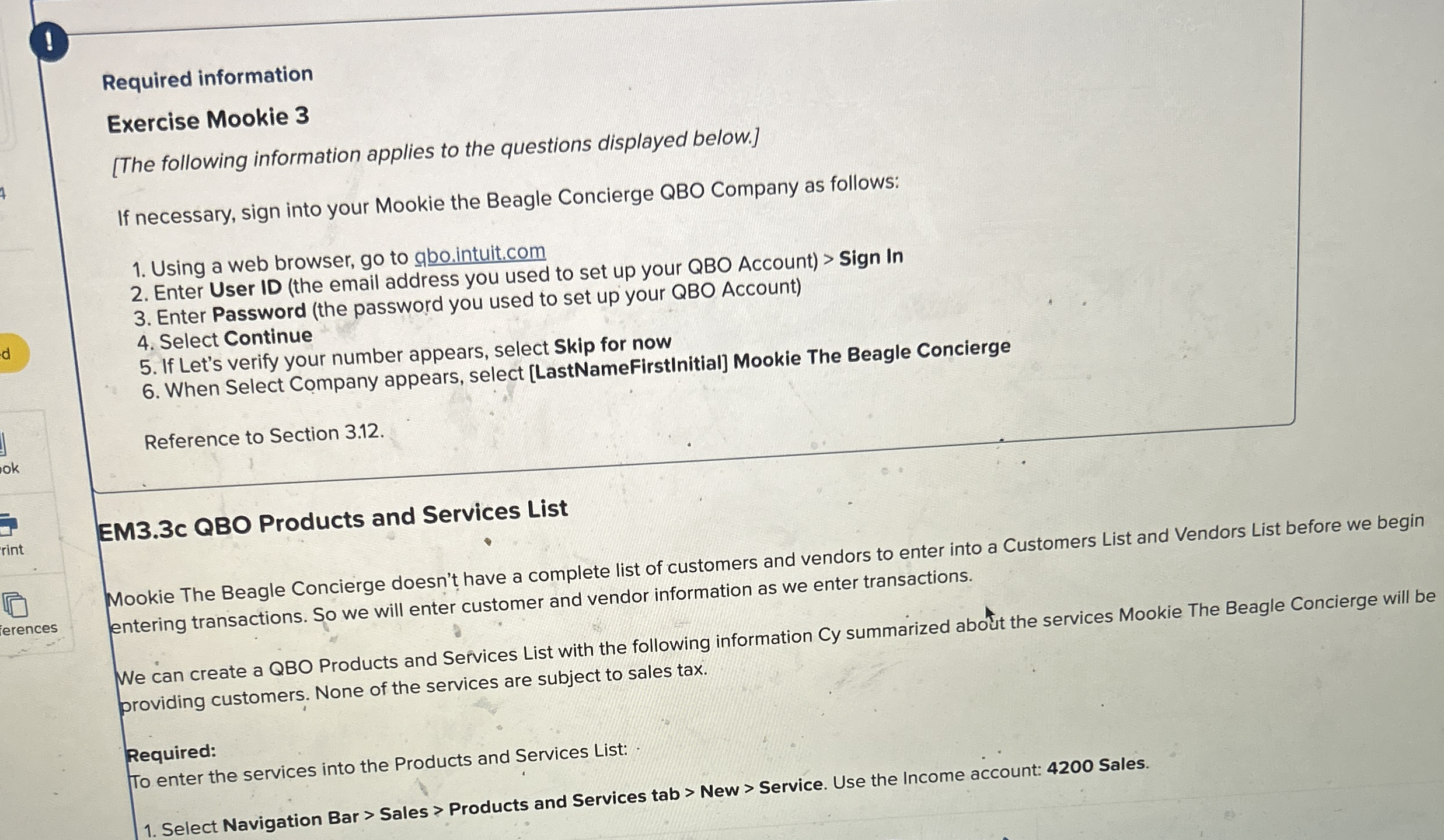
Question: ! Required information Exercise Mookie 3 [ The following information applies to the questions displayed below. ] If necessary, sign into your Mookie the Beagle
Required information
Exercise Mookie
The following information applies to the questions displayed below.
If necessary, sign into your Mookie the Beagle Concierge QBO Company as follows:
Using a web browser, go to
gbo.intuit.com
Enter User ID the email address you used to set up your QBO Account Sign In
Enter Password the password you used to set up your QBO Account
Select Continue
If Let's verify your number appears, select Skip for now
When Select Company appears, select LastNameFirstInitial Mookie The Beagle Concierge
Reference to Section
EMc QBO Products and Services List
Mookie The Beagle Concierge doesn't have a complete list of customers and vendors to enter into a Customers List and Vendors List before we begin entering transactions. So we will enter customer and vendor information as we enter transactions.
We can create a QBO Products and Services List with the following information Cy summarized about the services Mookie The Beagle Concierge will be
erences providing customers. None of the services are subject to sales tax.
Required:
To enter the services into the Products and Services List:
Select Navigation Bar Sales Products and Services tab New Service. Use the Income account: Sales.
Step by Step Solution
There are 3 Steps involved in it
1 Expert Approved Answer
Step: 1 Unlock

Question Has Been Solved by an Expert!
Get step-by-step solutions from verified subject matter experts
Step: 2 Unlock
Step: 3 Unlock