







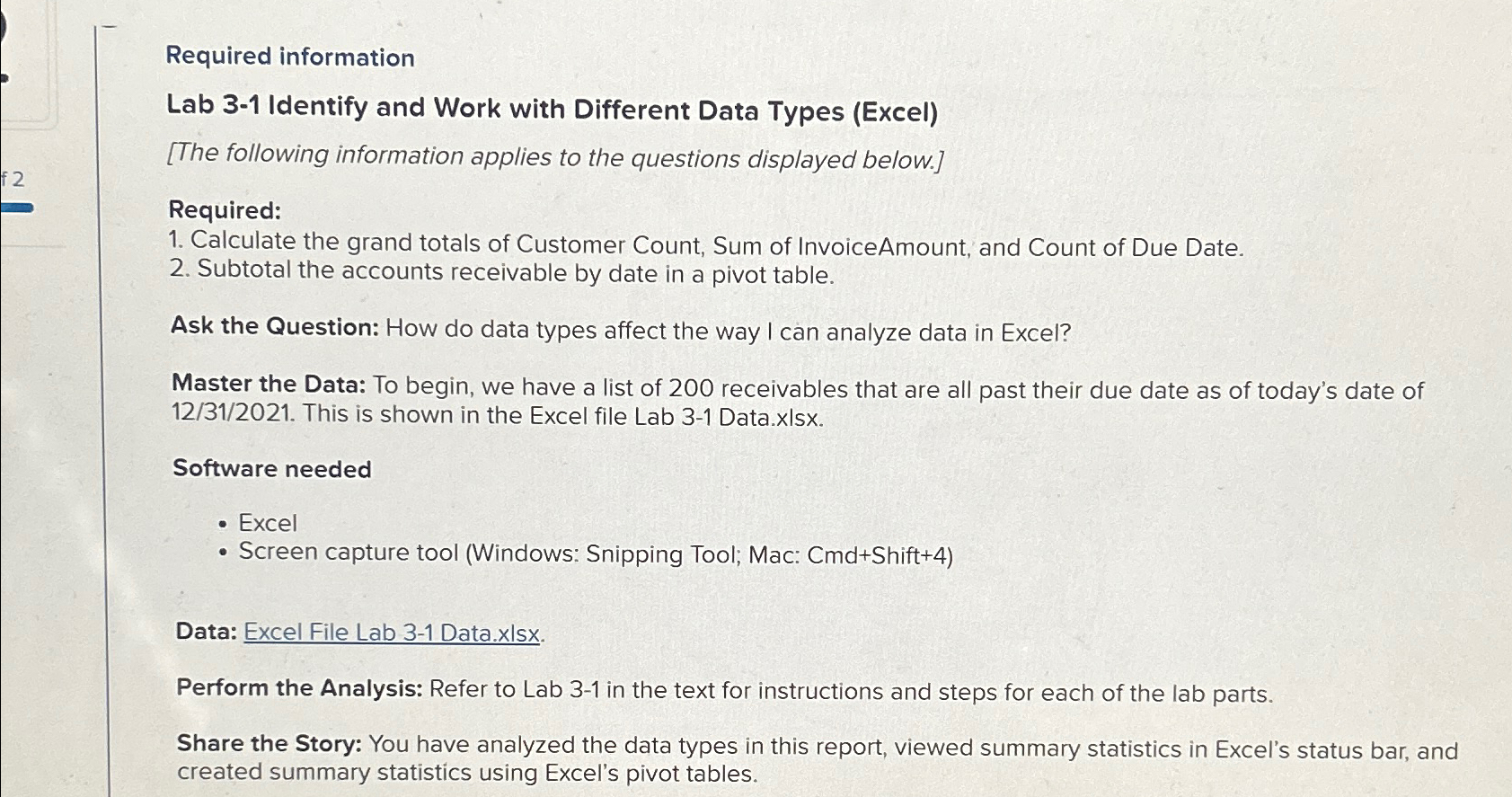
Question: Required information Lab 3 - 1 Identify and Work with Different Data Types ( Excel ) [ The following information applies to the questions displayed
Required information
Lab Identify and Work with Different Data Types Excel
The following information applies to the questions displayed below.
Required:
Calculate the grand totals of Customer Count, Sum of InvoiceAmount, and Count of Due Date.
Subtotal the accounts receivable by date in a pivot table.
Ask the Question: How do data types affect the way I can analyze data in Excel?
Master the Data: To begin, we have a list of receivables that are all past their due date as of today's date of This is shown in the Excel file Lab Data.xIsx.
Software needed
Excel
Screen capture tool Windows: Snipping Tool; Mac: CmdShift
Data: Excel File Lab Data.xIsx.
Perform the Analysis: Refer to Lab in the text for instructions and steps for each of the lab parts.
Share the Story: You have analyzed the data types in this report, viewed summary statistics in Excel's status bar, and created summary statistics using Excel's pivot tables.
Step by Step Solution
There are 3 Steps involved in it
1 Expert Approved Answer
Step: 1 Unlock

Question Has Been Solved by an Expert!
Get step-by-step solutions from verified subject matter experts
Step: 2 Unlock
Step: 3 Unlock
 Study Help