







Question: Requirement 3 When the user selects the Enter User Details option, ask user to enter name, approximate KM, day, month and time of travel using
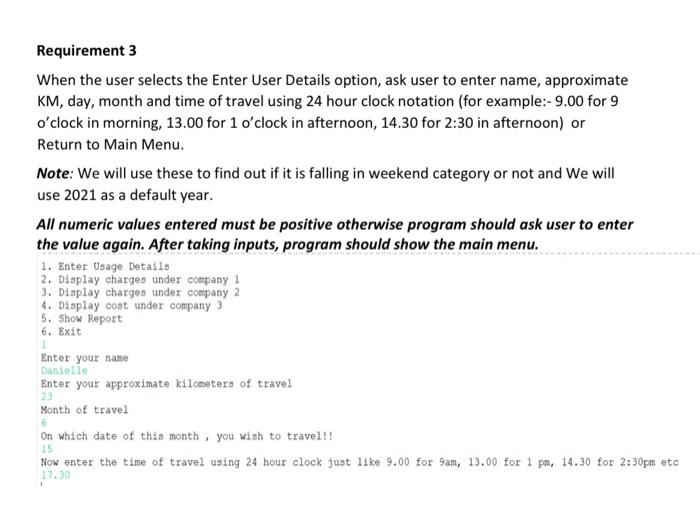
Requirement 3 When the user selects the Enter User Details option, ask user to enter name, approximate KM, day, month and time of travel using 24 hour clock notation (for example:- 9.00 for 9 o'clock in morning, 13.00 for 1 o'clock in afternoon, 14.30 for 2:30 in afternoon) or Return to Main Menu. Note: We will use these to find out if it is falling in weekend category or not and we will use 2021 as a default year. All numeric values entered must be positive otherwise program should ask user to enter the value again. After taking inputs, program should show the main menu. 1. Enter Usage Details 2. Display charges under company 1 3. Display charges under company 2 4. Display cost under company 3 5. Show Report 6. Exit 1 Enter your name Danielle Enter your approximate kilometers of travel 23 Month of travel 5 On which date of this month, you wish to travel!! Now enter the time of travel using 24 hour clock just like 9.00 for 9am, 13.00 for 1 pm, 14.30 for 2:30pm etc 17.30 15
Step by Step Solution
There are 3 Steps involved in it

Get step-by-step solutions from verified subject matter experts
 Study Help