







Question: Review the attachments then create a FLOWCHART and pseudo code for the problem below: Use the information below to solve the problem using flowchart symbols
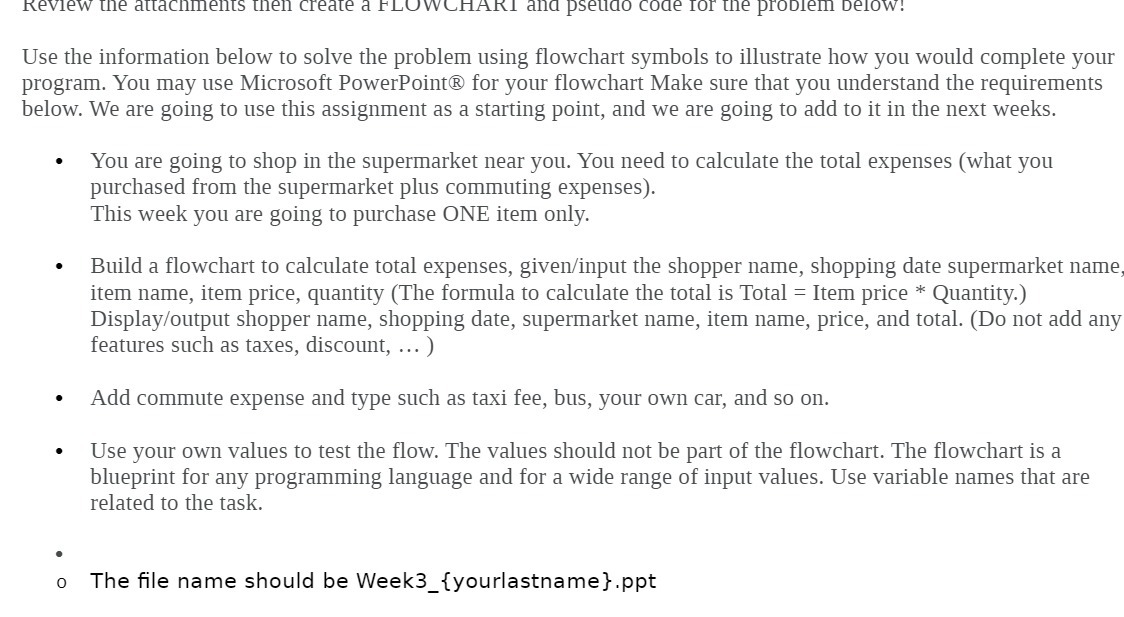
Review the attachments then create a FLOWCHART and pseudo code for the problem below: Use the information below to solve the problem using flowchart symbols to illustrate how you would complete your program. You may use Microsoft PowerPoint@ for your flowchart Make sure that you understand the requirements below. We are going to use this assignment as a starting point, and we are going to add to it in the next weeks. You are going to shop in the supermarket near you. You need to calculate the total expenses (what you purchased from the supermarket plus commuting expenses). This week you are going to purchase ONE item only. Build a flowchart to calculate total expenses, given/input the shopper name, shopping date supermarket name, item name, item price, quantity (The formula to calculate the total is Total = Item price * Quantity.) Display/output shopper name, shopping date, supermarket name, item name, price, and total. (Do not add any features such as taxes, discount, ... ) . Add commute expense and type such as taxi fee, bus, your own car, and so on. Use your own values to test the flow. The values should not be part of the flowchart. The flowchart is a blueprint for any programming language and for a wide range of input values. Use variable names that are related to the task. o The file name should be Week3_{yourlastname}.ppt
Step by Step Solution
There are 3 Steps involved in it

Get step-by-step solutions from verified subject matter experts
 Study Help