







Question: Review your Excel skills before attempting this assignment. Please use proper formulas and cell references to ensure your grade is maintained. Refresher materials were provided
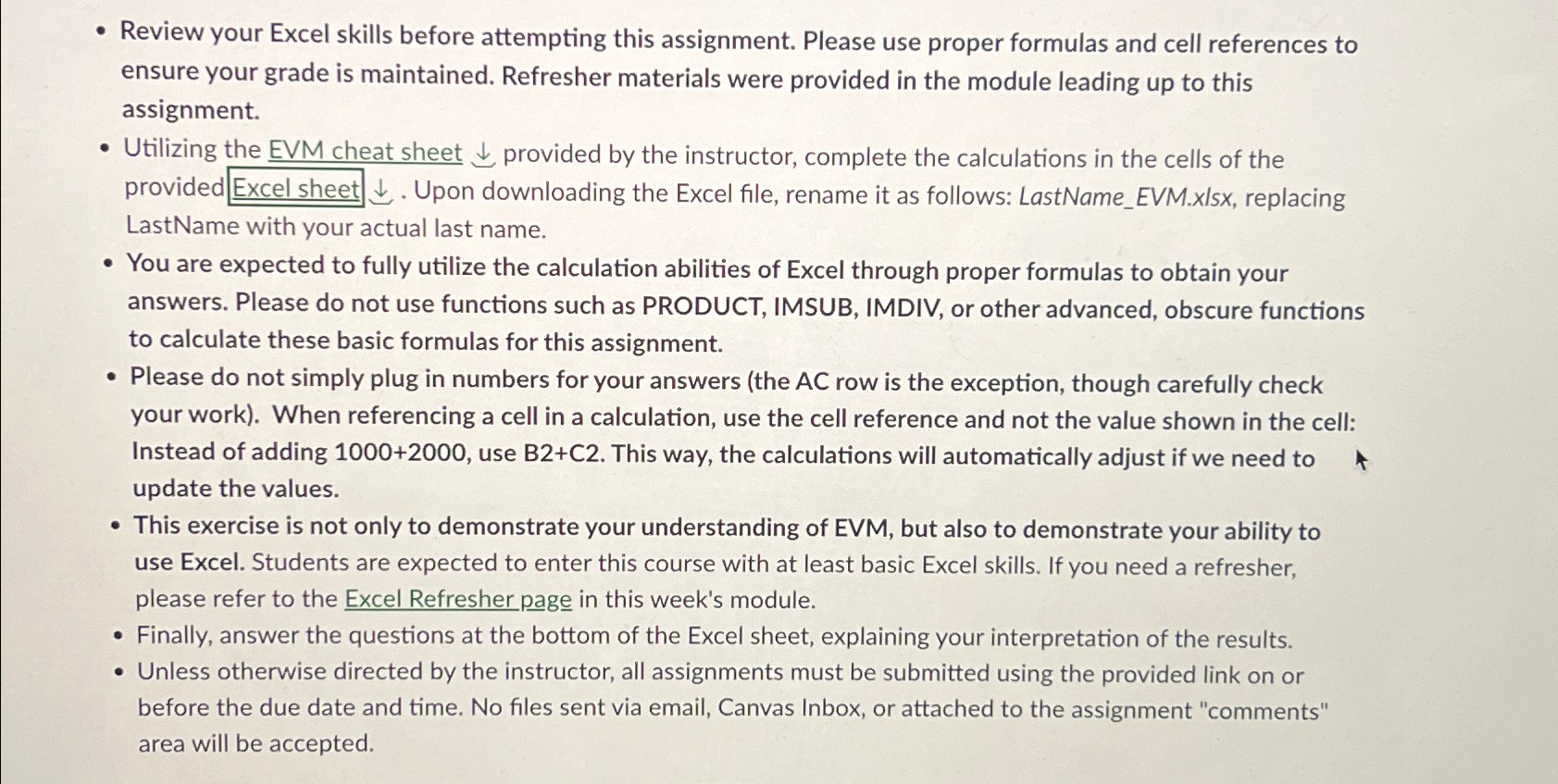
Review your Excel skills before attempting this assignment. Please use proper formulas and cell references to ensure your grade is maintained. Refresher materials were provided in the module leading up to this assignment.
Utilizing the EVM cheat sheet darr provided by the instructor, complete the calculations in the cells of the provided
darr. Upon downloading the Excel file, rename it as follows: LastNameEVM.xlsx replacing
LastName with your actual last name.
You are expected to fully utilize the calculation abilities of Excel through proper formulas to obtain your answers. Please do not use functions such as PRODUCT, IMSUB, IMDIV, or other advanced, obscure functions to calculate these basic formulas for this assignment.
Please do not simply plug in numbers for your answers the AC row is the exception, though carefully check your work When referencing a cell in a calculation, use the cell reference and not the value shown in the cell: Instead of adding use BC This way, the calculations will automatically adjust if we need to update the values.
This exercise is not only to demonstrate your understanding of EVM, but also to demonstrate your ability to use Excel. Students are expected to enter this course with at least basic Excel skills. If you need a refresher, please refer to the Excel Refresher page in this week's module.
Finally, answer the questions at the bottom of the Excel sheet, explaining your interpretation of the results.
Unless otherwise directed by the instructor, all assignments must be submitted using the provided link on or before the due date and time. No files sent via email, Canvas Inbox, or attached to the assignment "comments" area will be accepted.
Step by Step Solution
There are 3 Steps involved in it
1 Expert Approved Answer
Step: 1 Unlock

Question Has Been Solved by an Expert!
Get step-by-step solutions from verified subject matter experts
Step: 2 Unlock
Step: 3 Unlock
 Study Help