







Question: rogram Requirements Modify the provided JavaFX application as follows. 1. Hold 3 best friends instead of 5 best friends. 2. Make the screens shorter to
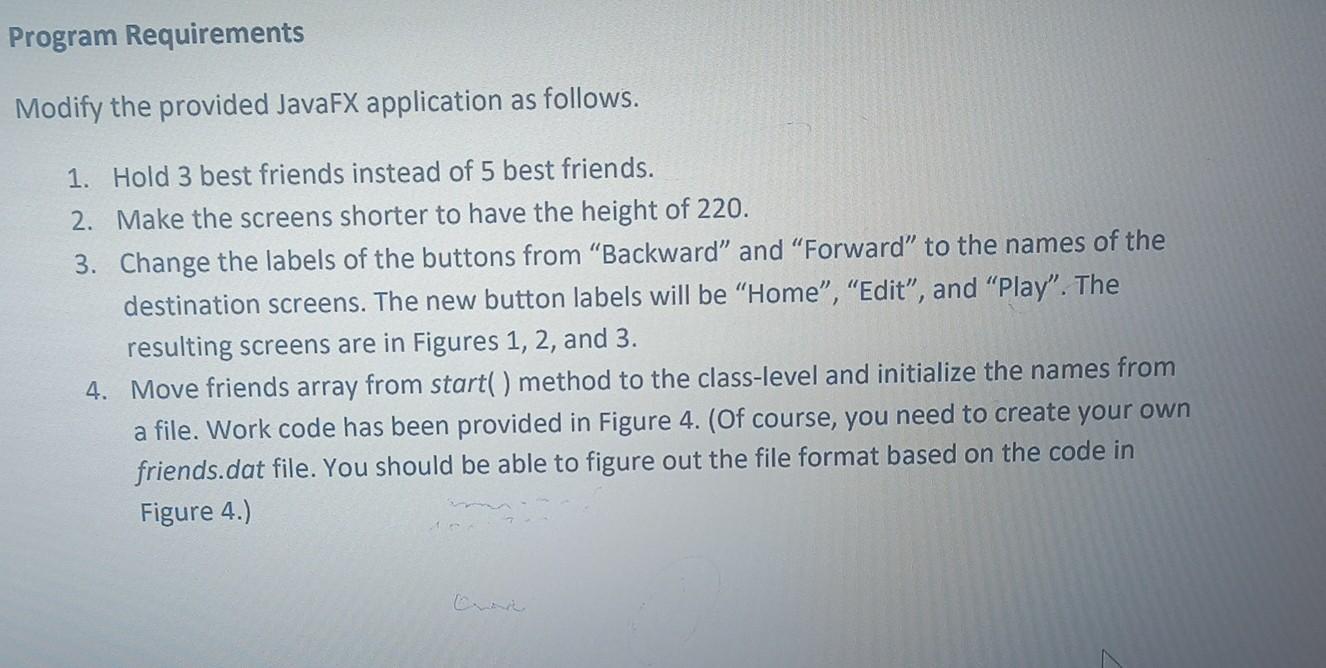
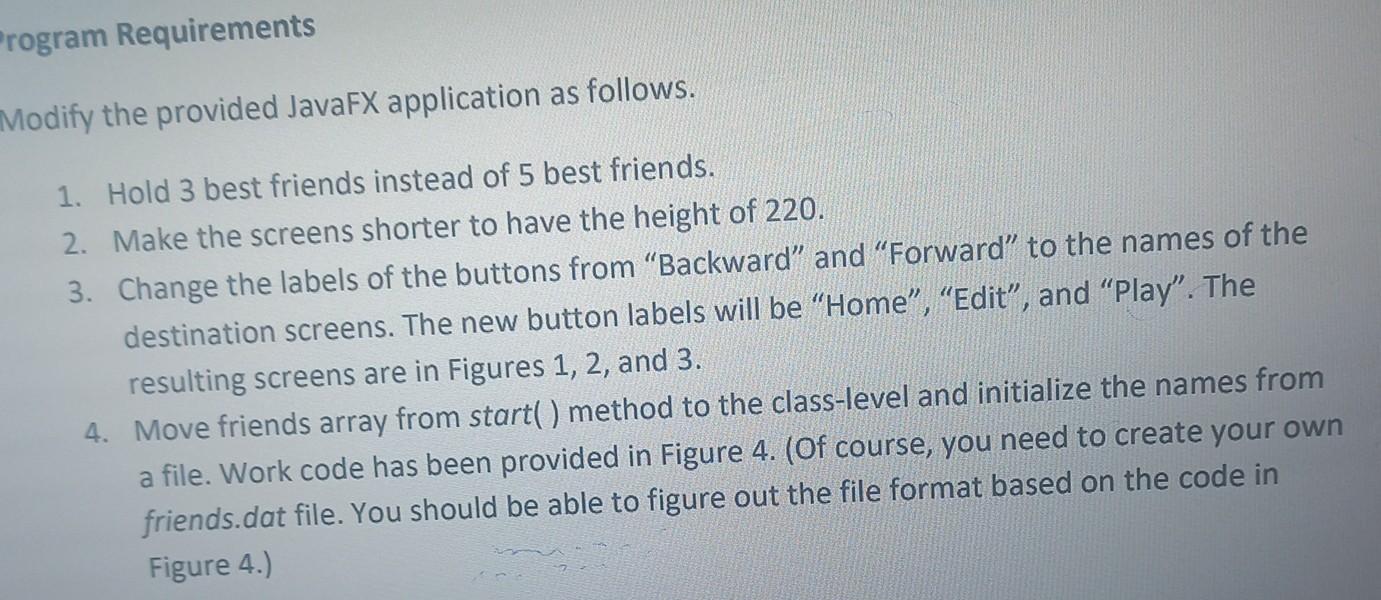
rogram Requirements Modify the provided JavaFX application as follows. 1. Hold 3 best friends instead of 5 best friends. 2. Make the screens shorter to have the height of 220 . 3. Change the labels of the buttons from "Backward" and "Forward" to the names of the destination screens. The new button labels will be "Home", "Edit", and "Play". The resulting screens are in Figures 1,2 , and 3. 4. Move friends array from start( ) method to the class-level and initialize the names from a file. Work code has been provided in Figure 4. (Of course, you need to create your own friends.dat file. You should be able to figure out the file format based on the code in Figure 4.) lodify the provided JavaFX application as follows. 1. Hold 3 best friends instead of 5 best friends. 2. Make the screens shorter to have the height of 220 . 3. Change the labels of the buttons from "Backward" and "Forward" to the names of the destination screens. The new button labels will be "Home", "Edit", and "Play". The resulting screens are in Figures 1,2 , and 3. 4. Move friends array from start( ) method to the class-level and initialize the names from a file. Work code has been provided in Figure 4. (Of course, you need to create your own friends.dat file. You should be able to figure out the file format based on the code in Figure 4.)
Step by Step Solution
There are 3 Steps involved in it

Get step-by-step solutions from verified subject matter experts
 Study Help