







Question: RSA Encryption Assignment using Visual Basic Part 1: Construct your public key 1) RSA public key encryption uses giant primes of 200 or more digits.
RSA Encryption Assignment using Visual Basic
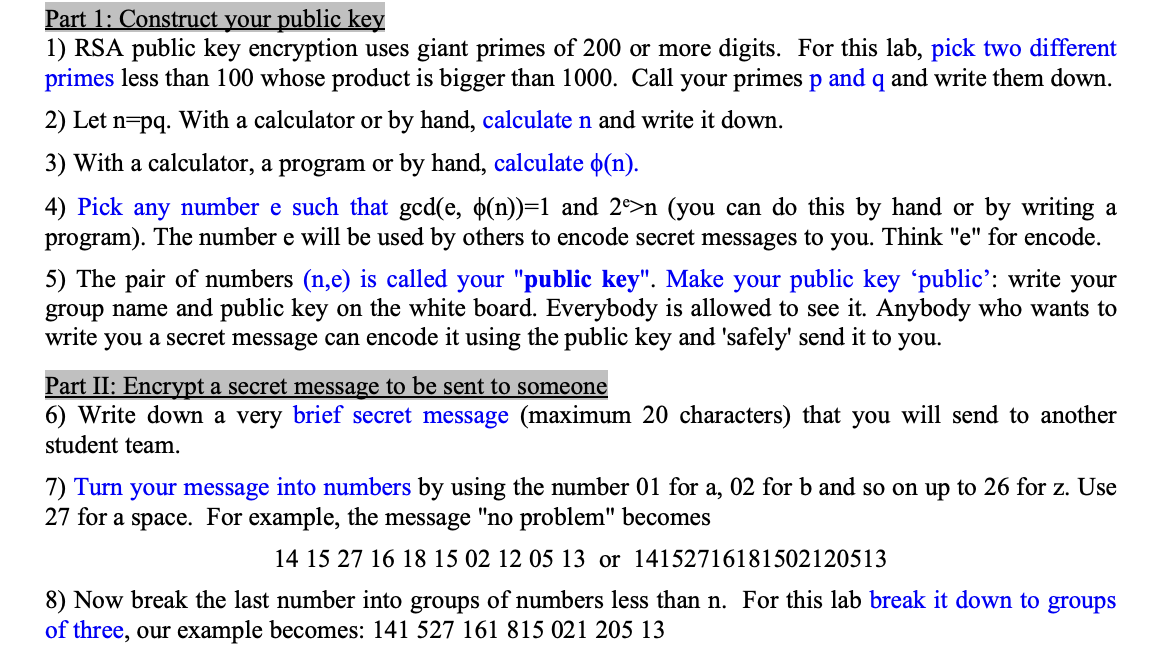
Part 1: Construct your public key 1) RSA public key encryption uses giant primes of 200 or more digits. For this lab, pick two different primes less than 100 whose product is bigger than 1000. Call your primes p and q and write them down. 2) Let n= pq. With a calculator or by hand, calculate n and write it down. 3) With a calculator, a program or by hand, calculate (n). 4) Pick any number e such that gcd(e,(n))=1 and 2e>n (you can do this by hand or by writing a program). The number e will be used by others to encode secret messages to you. Think "e" for encode. 5) The pair of numbers (n,e) is called your "public key". Make your public key 'public': write your group name and public key on the white board. Everybody is allowed to see it. Anybody who wants to write you a secret message can encode it using the public key and 'safely' send it to you. Part II: Encrypt a secret message to be sent to someone 6) Write down a very brief secret message (maximum 20 characters) that you will send to another student team. 7) Turn your message into numbers by using the number 01 for a,02 for b and so on up to 26 for z. Use 27 for a space. For example, the message "no problem" becomes 14152716181502120513or14152716181502120513 8) Now break the last number into groups of numbers less than n. For this lab break it down to groups of three, our example becomes: 14152716181502120513
Step by Step Solution
There are 3 Steps involved in it

Get step-by-step solutions from verified subject matter experts
 Study Help