







Question: Run it on Oracle SQL The inserts made for this HW are your own choice. Using the ViewsSegHWStart sal file, do the following (IN ORDER!):
Run it on Oracle SQL
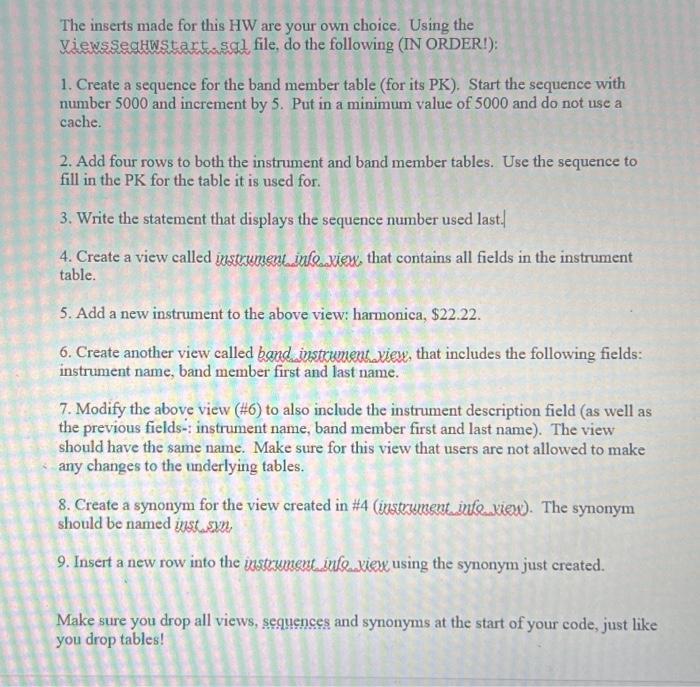
The inserts made for this HW are your own choice. Using the ViewsSegHWStart sal file, do the following (IN ORDER!): 1. Create a sequence for the band member table (for its PK). Start the sequence with number 5000 and increment by 5. Put in a minimum value of 5000 and do not use a cache. 2. Add four rows to both the instrument and band member tables. Use the sequence to fill in the PK for the table it is used for. 3. Write the statement that displays the sequence number used last. 4. Create a view called instrument info.view, that contains all fields in the instrument table. 5. Add a new instrument to the above view: harmonica, $22.22. 6. Create another view called band instrument view, that includes the following fields: instrument name, band member first and last name. 7. Modify the above view (#6) to also include the instrument description field (as well as the previous fields-: instrument name, band member first and last name). The view should have the same name. Make sure for this view that users are not allowed to make any changes to the underlying tables. 8. Create a synonym for the view created in #4 (instrument info view). The synonym should be named inst.syn 9. Insert a new row into the instrument infeview using the synonym just created. Make sure you drop all views, sequences and synonyms at the start of your code, just like you drop tables!
Step by Step Solution
There are 3 Steps involved in it

Get step-by-step solutions from verified subject matter experts
 Study Help