







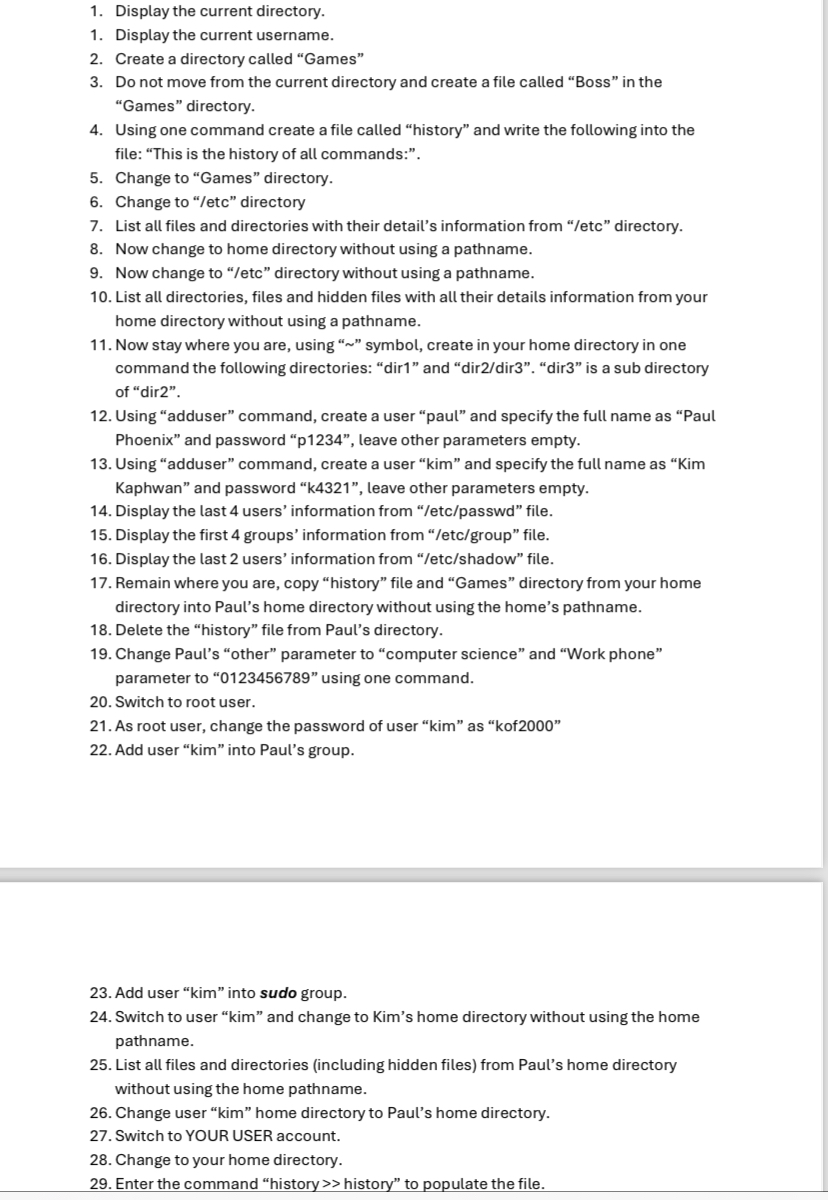
Question: Run the following in linux ubuntu platform Display the current directory. Display the current username. Create a directory called Games Do not move from the
Run the following in linux ubuntu platform Display the current directory.
Display the current username.
Create a directory called "Games"
Do not move from the current directory and create a file called "Boss" in the "Games" directory.
Using one command create a file called "history" and write the following into the file: "This is the history of all commands:".
Change to "Games" directory.
Change to etc directory
List all files and directories with their detail's information from etc directory.
Now change to home directory without using a pathname.
Now change to etc directory without using a pathname.
List all directories, files and hidden files with all their details information from your home directory without using a pathname.
Now stay where you are, using symbol, create in your home directory in one command the following directories: "dir and "dir "dir is a sub directory of "dir
Using "adduser" command, create a user "paul" and specify the full name as "Paul Phoenix" and password p leave other parameters empty.
Using "adduser" command, create a user "kim" and specify the full name as "Kim Kaphwan" and password k leave other parameters empty.
Display the last users' information from etcpasswd file.
Display the first groups' information from etcgroup file.
Display the last users' information from etcshadow file.
Remain where you are, copy "history" file and "Games" directory from your home directory into Paul's home directory without using the home's pathname.
Delete the "history" file from Paul's directory.
Change Paul's "other" parameter to "computer science" and "Work phone" parameter to using one command.
Switch to root user.
As root user, change the password of user "kim" as "kof
Add user "kim" into Paul's group.
Add user "kim" into sudo group.
Switch to user "kim" and change to Kim's home directory without using the home pathname.
List all files and directories including hidden files from Paul's home directory without using the home pathname.
Change user "kim" home directory to Paul's home directory.
Switch to YOUR USER account.
Change to your home directory.
Enter the command "history history" to populate the file.
Step by Step Solution
There are 3 Steps involved in it
1 Expert Approved Answer
Step: 1 Unlock

Question Has Been Solved by an Expert!
Get step-by-step solutions from verified subject matter experts
Step: 2 Unlock
Step: 3 Unlock
 Study Help