







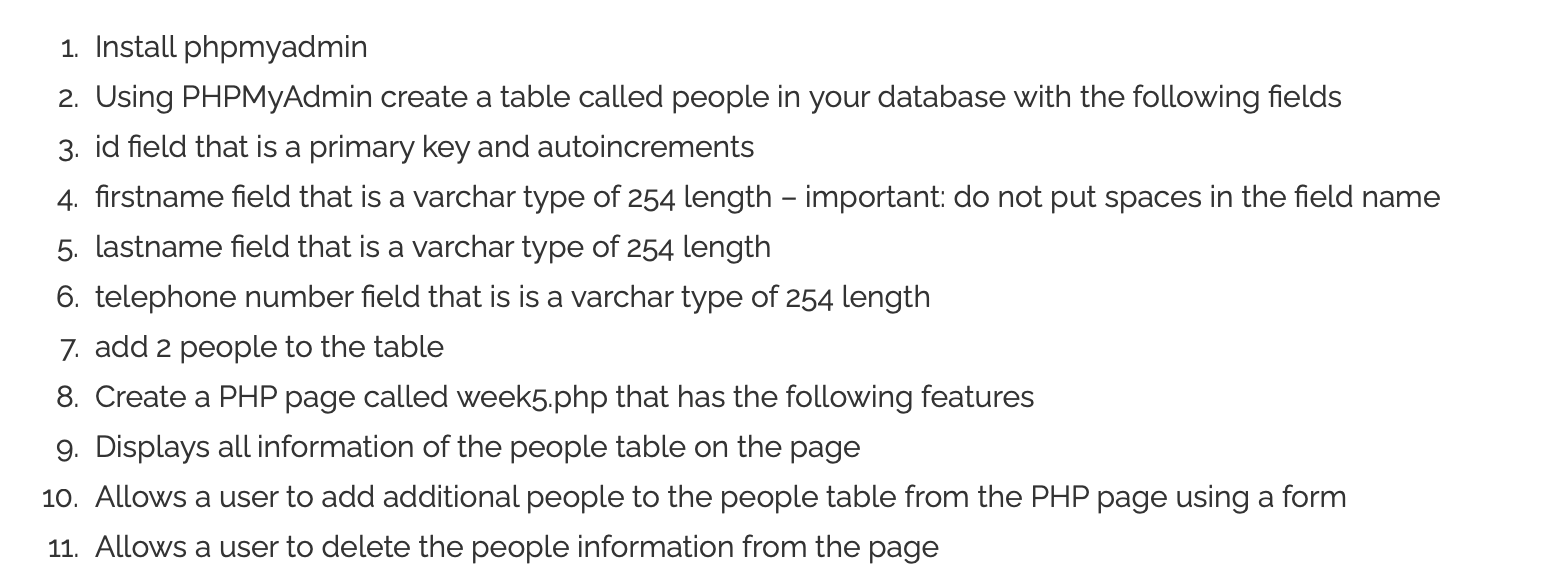
Question: sample code Car Make: Previous Lesson 1. Install phpmyadmin 2. Using PHPMyAdmin create a table called people in your database with the following fields 3.
sample code
|
//viewing purposes only - do not copy and paste - quotes are not handled correctly
define( 'DB_NAME', ' define( 'DB_USER', ' define( 'DB_PASSWORD', ' define( 'DB_HOST', 'localhost' );
function DeleteCarEntry($id) {
$conn = mysqli_connect(DB_HOST, DB_USER, DB_PASSWORD, DB_NAME); // Check connection if (!$conn) { die("Connection failed: " . mysqli_connect_error()); }
$del = "DELETE FROM Cars WHERE id = '$id' ";
$result = $conn->query($del);
mysqli_close($conn); }
function InsertMake($make) {
$conn = mysqli_connect(DB_HOST, DB_USER, DB_PASSWORD, DB_NAME); // Check connection if (!$conn) { die("Connection failed: " . mysqli_connect_error()); }
$insert = "INSERT INTO Cars SET make = '$make' ";
$result = $conn->query($insert);
mysqli_close($conn); }
function ShowCars() { // Create connection $conn = mysqli_connect(DB_HOST, DB_USER, DB_PASSWORD, DB_NAME); // Check connection if (!$conn) { die("Connection failed: " . mysqli_connect_error()); }
$sql = "SELECT id, make FROM Cars"; $result = mysqli_query($conn, $sql);
if (mysqli_num_rows($result) > 0) { // output data of each row while($row = mysqli_fetch_assoc($result)) { $delurl = "[delete]"; echo "id: " . $row["id"]. " - Make: " . $row["make"]. " $delurl "; } } else { echo "0 results"; }
mysqli_close($conn); }
?>
if($_GET['carmake'] != '') { InsertMake($_GET['carmake']); }
if($_GET['cmd'] == 'delete') { $id = $_GET['id']; DeleteCarEntry($id); }
ShowCars(); ?> |
Previous Lesson
1. Install phpmyadmin 2. Using PHPMyAdmin create a table called people in your database with the following fields 3. id field that is a primary key and autoincrements 4. firstname field that is a varchar type of 254 length - important: do not put spaces in the field name 5. Lastname field that is a varchar type of 254 length 6. telephone number field that is is a varchar type of 254 length 7. add 2 people to the table 8. Create a PHP page called week5.php that has the following features 9. Displays all information of the people table on the page 10. Allows a user to add additional people to the people table from the PHP page using a form 11. Allows a user to delete the people information from the page
Step by Step Solution
There are 3 Steps involved in it

Get step-by-step solutions from verified subject matter experts
 Study Help