







Question: Save UP off) H 9- ard Home Insert Draw Design Layout Referen Mailings Review View Help Acrobat A Font 12. Instructi... Paragraph 13. 0 Styles
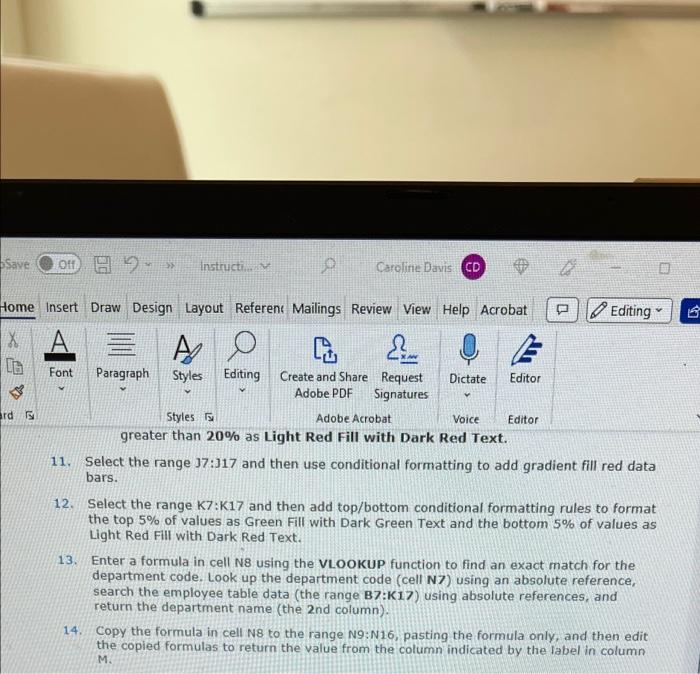
1. Select the range 37:317 and then use conditional formatting to add gradient fill red data bars. 12. Select the range K7:K17 and then add top/bottom conditional formatting rules to format the top 5% of values as Green Fill with Dark Green Text and the bottom 5% of values as Light Red Fill with Dark Red Text. 13. Enter a formula in cell N8 using the VLOOKUP function to find an exact match for the department code. Look up the department code (cell N7) using an absolute reference, search the employee table data (the range B7:K17) using absolute references, and return the department name (the 2 nd column). 14. Copy the formula in cell N8 to the range N9:N16, pasting the formula only, and then edit the copied formulas to return the value from the column indicated by the label in column M. 1. Select the range 37:317 and then use conditional formatting to add gradient fill red data bars. 12. Select the range K7:K17 and then add top/bottom conditional formatting rules to format the top 5% of values as Green Fill with Dark Green Text and the bottom 5% of values as Light Red Fill with Dark Red Text. 13. Enter a formula in cell N8 using the VLOOKUP function to find an exact match for the department code. Look up the department code (cell N7) using an absolute reference, search the employee table data (the range B7:K17) using absolute references, and return the department name (the 2 nd column). 14. Copy the formula in cell N8 to the range N9:N16, pasting the formula only, and then edit the copied formulas to return the value from the column indicated by the label in column M
Step by Step Solution
There are 3 Steps involved in it

Get step-by-step solutions from verified subject matter experts
 Study Help