







Question: script a) script1.sh : Write a shell script that takes 2 arguments, the first one a filename and the second one a number. The script
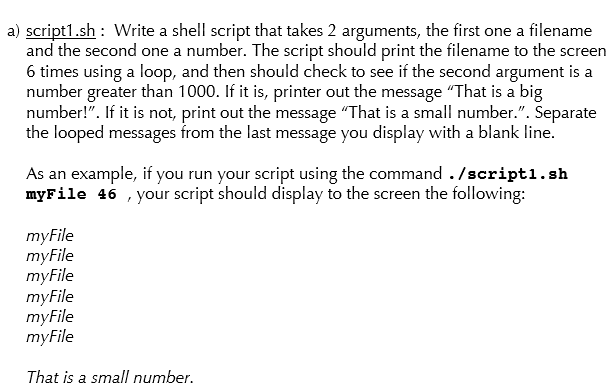 script a) script1.sh : Write a shell script that takes 2 arguments, the first one a filename and the second one a number. The script should print the filename to the screen 6 times using a loop, and then should check to see if the second argument is a number greater than 1000. If it is, printer out the message That is a big number!. If it is not, print out the message That is a small number.. Separate the looped messages from the last message you display with a blank line. As an example, if you run your script using the command ./script1.sh myFile 46 , your script should display to the screen the following: myFile myFile myFile myFile myFile myFile That is a small number.
a) script1.sh: Write a shell script that takes 2 arguments, the first one a filename and the second one a number, The script should print the filename to the screen 6 times using a loop, and then should check to see if the second argument is a number greater than 1000. If it is, printer out the message "That is a big number!". If it is not, print out the message "That is a small number.". Separate the looped messages from the last message you display with a blank line. As an example, if you run your script using the command /scripti.sh ile 46 , your script should display to the screen the following: myFile myFile myFile myFile myFile myFile That is a small number
Step by Step Solution
There are 3 Steps involved in it

Get step-by-step solutions from verified subject matter experts
 Study Help